


As an aspiring eCommerce merchant, you may have heard of BigCommerce, one of the most popular eCommerce platforms to date.
In this article, we will provide you with a step-by-step guide on how to sign up for and launch your store on BigCommerce, making it easy for first-time users to navigate the process.
How to Start a BigCommerce Store Step-by-Step
Despite what you may think, it’s actually fairly easy to launch a store on BigCommerce.
Of course, uploading all of your products with the right information, styling your website, and taking care of things like 3rd party app integrations takes a little leg work, the actual process of starting your online store is very straightforward. Here’s the step-by-step:
Step 1: Sign Up for a Bigcommerce Account
To get started with BigCommerce, you need to sign up for an account. Visit the BigCommerce website and click on the “Get Started” button. Fill out the sign-up form, including your name, email address, and password. You will then be asked to provide additional information, such as your business name and address, and the type of products you sell.
Step 2: Choose Your Plan
After you sign up for an account, you need to choose a plan that best suits your needs. Bigcommerce offers a range of plans, depending on your needs.
Each plan comes with different features, such as unlimited products, abandoned cart recovery, and gift cards, so be sure to choose the plan that aligns with your business goals.
Step 3: Customize Your Store
Once you have chosen your plan, you can start customizing your store.
You can choose from a range of templates and themes to make your store look professional and visually appealing. You can also add your logo and branding elements to create a consistent brand image.
Step 4: Add Products to Your Store
Now that your store is set up, it’s time to add products. Click on the “Products” tab and select “Add Product.” Enter the product name, description, and price, and upload images of your product. You can also add variants, such as different sizes or colors, and set up inventory management to keep track of your stock levels.
Step 5: Set Up Payment and Shipping Options
To sell your products, you need to set up payment and shipping options. BigCommerce supports a range of payment gateways, such as PayPal and Stripe, so you can choose the one that works best for you. You can also set up shipping rates based on weight, location, or price.
Keep in mind this is one area where you can’t cut corners. All tax, shipping, and payment information has to be filled out correctly on the BigCommerce dashboard otherwise you won’t be able to sell. And this information will vary state by state and country by country, so there is no one right answer.
For more information on tax information, setting up your financials in BigCommerce, accounting and more, see this eCommerce accounting guide by BigCommerce.
Step 6: Launch Your Store
Once you have customized your store, added products, and set up payment and shipping options, it’s time to launch your store. Click on the “Launch Store” button, and your store will be live for the world to see.
It might be a good idea to ask some friends or business partners to take a look at the live site to make sure it is functioning correctly.
Place an order, view the site on multiple devices, and check all of the links. This way you can feel confident that everything is in working order for your customers.
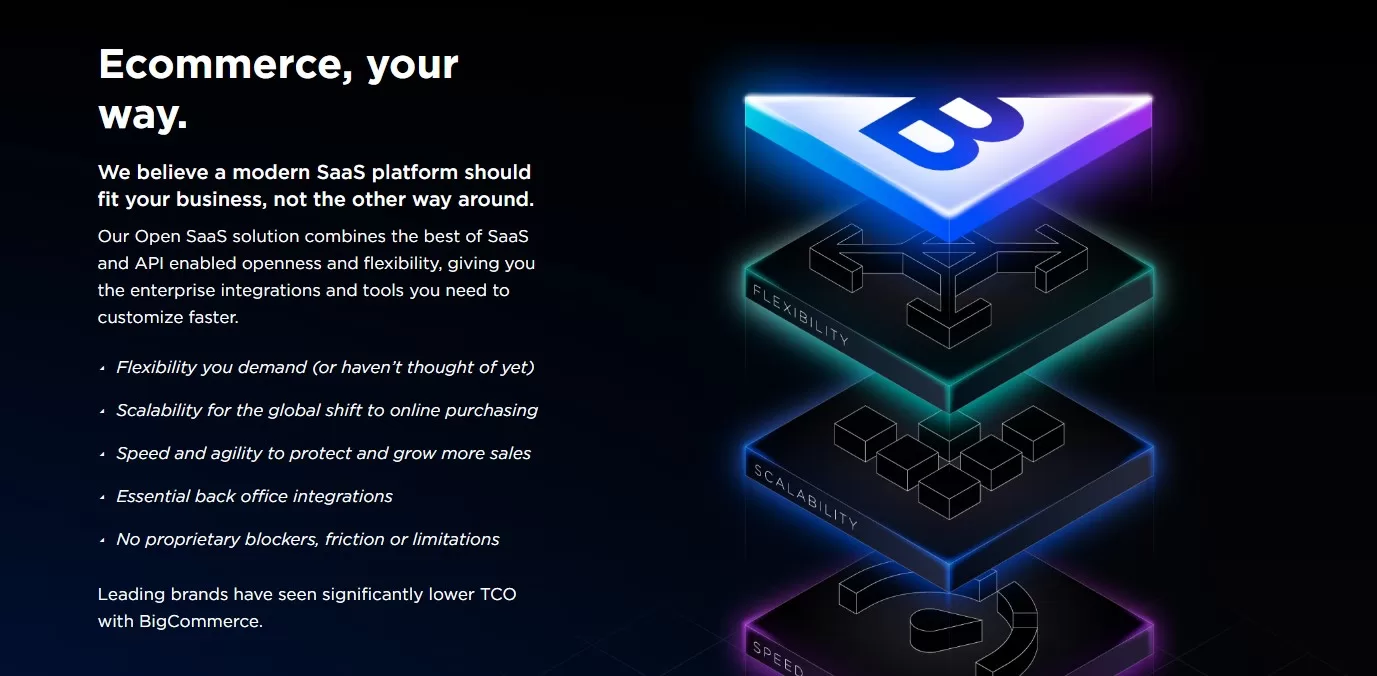
Why BigCommerce?
There are so many places to launch an eCommerce store on – including massively popular platforms like WordPress. Why choose BigCommerce?
There are actually quite a few reasons why BigCommerce has become one of, if not the best option for a growing number of eCommerce merchants. Here’s a quick overview:
- User-Friendly Interface: BigCommerce has a user-friendly interface that is easy to use and navigate, making it an ideal platform for first-time eCommerce merchants.
- Scalability: BigCommerce is highly scalable, which means that it can grow with your business as it expands. You can add new products, features, and functionalities as your business grows and don’t have to worry about issues like site slow-downs due to holiday traffic spikes or server issues. This is especially appealing for Enterprise level merchants that want a robust system that will accommodate large volumes of traffic and orders.
- SEO-Friendly: BigCommerce is SEO-friendly, which means that it is optimized for search engines and can help your store rank higher in search engine results pages (SERPs).
- Security: BigCommerce provides a secure platform that is PCI compliant and includes SSL certificates to protect your customers’ personal and payment information.
- Payment and Shipping Options: BigCommerce supports a range of payment gateways and shipping options, making it easy for you to sell your products to customers worldwide.
- Analytics and Reporting: BigCommerce provides detailed analytics and reporting features that allow you to track your store’s performance and make data-driven decisions.
- 24/7 Support: BigCommerce offers 24/7 support via phone, email, and live chat, making it easy for you to get help whenever you need it.
Bigcommerce is a powerful eCommerce platform that allows you to create and launch your own online store with ease. By following these simple steps, you can easily sign up for and launch your store on Bigcommerce and start selling your products to customers worldwide.
 As long as you start with a great foundation in BigCommerce, your marketing efforts will be that much easier in the long run
So You Launched Your BigCommerce Store, Now What?
There is often an assumption among first-time merchants that if you build it, “they” will come. They being the customers.
However, this isn’t true. Launching your online store is only the first part of building a successful eCommerce business. Now you actually have to drive traffic to the website!
The great thing about BigCommerce is that it removes a lot of the hurdles that originally slowed the process of creating an online store. This leaves time, energy, and mental bandwidth for more important things, like marketing your business.
The good news is that BigCommerce is SEO-friendly, scalable, and looks professional right out of the box, so the user experience will be decent enough to encourage conversions.
That being said, no website can magically attract users without any marketing efforts.
Once you launch your BigCommerce store, you need to consider which marketing channels to focus on that will get you the highest ROI in terms of time invested, as well as money if you hire someone to take care of your marketing for you.
Popular marketing options include search engine optimization, pay-per-click advertising, and Facebook marketing. If you are trying to manage these marketing channels alone, it can get overwhelming fast, so the best thing to do is start small with meaningful tweaks and a solid strategy that will get you where you want to be.
Consider starting a small Google PPC campaign specifically aimed at your highest margin product category. This, coupled with basic SEO, could give you a foothold for future marketing efforts and drive a bit of revenue after only a few months.
There is a lot to know when it comes to marketing a newly launched eCommerce store however, whether it’s on BigCommerce is anywhere else. The important thing is to get your store up and running first, then you can map out an eCommerce marketing strategy for your BigCommerce store that works for your niche and budget.
You may find that when you’re launching your store that you encounter some hangups, such as deciding on which theme to choose. You may want to take some time and look around at what your competition is doing to see what their websites look like, then pick a theme to match.
Don’t let small roadblocks get in the way of your eCommerce vision though. It’s better to have a plain but functional and user-friendly store up and running than to spend weeks on what fonts and pictures to add. You can always make it look prettier later on.
BigCommerce is one of the leading eCommerce platforms right now, so there are plenty of resources online that can help you. We’re also a BigCommerce certified partner, so you can always give us a call if you want to bring out the big guns. Also, if you started your eCommerce journey and want to migrate to BigCommerce, this isn’t something you want to undertake alone. We’re BigCommerce data migration specialists and can help you with a smooth and hassle free transition.