

A slow Shopify store directly reduces revenue. This isn't a vague best practice; it is a measurable relationship between page load time, user behavior, and search engine rankings. Data from Google and Deloitte shows that a one-second delay in mobile page load time can decrease conversion rates by up to 20%. The internet’s obsession with "site speed" as a single magic number, however, misses the point. The issue isn't one score; it's a handful of specific user-experience metrics that determine whether a potential customer stays or leaves.
Google Measures User Frustration, Not Just Load Time
The old conversation about site speed was about a single number: how many seconds it took a page to load. That model is obsolete. Google now uses a set of metrics called Core Web Vitals to quantify a user's real-world experience. These are not theoretical - they are a direct, weighted ranking signal, especially for mobile search.
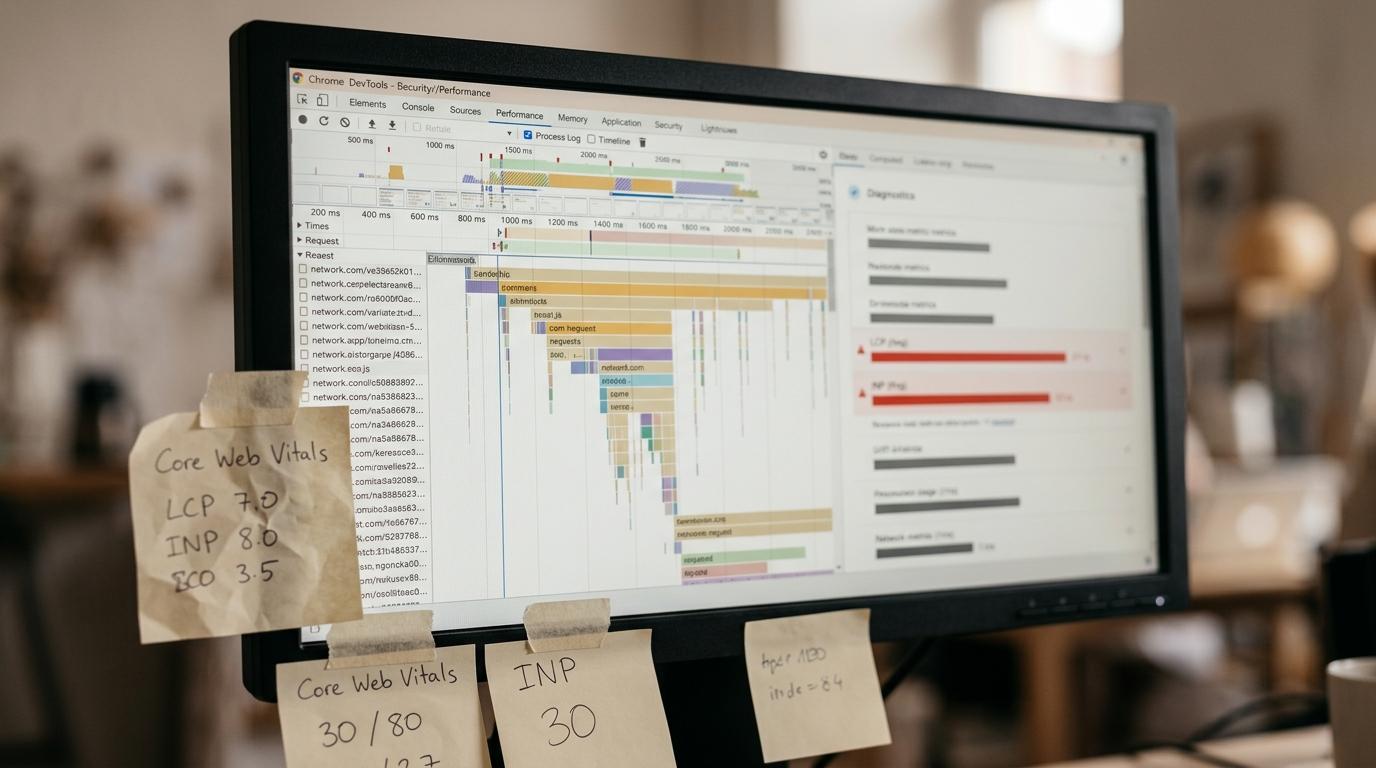
There are three vitals worth knowing:
- Largest Contentful Paint (LCP): This measures how long it takes for the largest image or block of text to become visible. A slow LCP means the user is staring at a blank or partially-rendered screen, wondering if the page is broken. This is the first impression.
- Interaction to Next Paint (INP): This measures how long it takes for the page to respond after a user clicks, taps, or types. High INP is the source of "rage clicks," where a user taps a button and nothing happens. This is the measure of responsiveness.
- Cumulative Layout Shift (CLS): This measures visual stability. A high CLS score means elements on the page jump around as it loads - like when you try to tap a button and an ad loads in its place at the last second. This is the measure of annoyance.
A store that fails these vitals sends a clear signal to Google: this page is frustrating to use. In a competitive search landscape, that signal is enough to push you down the rankings in favor of a competitor with a better experience.
Conversion Rate Is a More Direct and Brutal Metric
While SEO impact can feel distant, the effect of speed on conversion rates is immediate and financial. Every hundred milliseconds of delay adds friction to the buying process, and customers have no patience for friction.
This behavior is best understood through the lens of information foraging. A user lands on your site to accomplish a task: find a product, evaluate it, and purchase it. They are hunting for information. A slow-loading page, a button that doesn't respond, or a layout that shifts under their cursor are all obstacles in the hunt. The brain is not patient; it is efficient. It will abandon a low-yield "patch" (your store) for a more promising one (your competitor's store) without a second thought.
The numbers back this up consistently:
- Google/SOASTA found that as page load time goes from one second to three seconds, the probability of a bounce increases by 32%.
- A Deloitte study found that a 0.1-second improvement in site speed led to an 8.4% increase in conversions for retail brands.
We see this pattern in our own client work. A client selling high-end leather goods had a beautiful, image-heavy theme and 17 different Shopify apps. Their product pages took nearly seven seconds to become interactive. Sales were flat despite high traffic. The problem wasn't the product; it was the performance.
The Failure Mode: Blaming Shopify for App Bloat
Alright. Coffee's ready. Let's talk about where the slowness actually comes from.
Most stores that struggle with speed get little from their optimization efforts because they focus on the wrong thing. The failure mode is blaming Shopify's core infrastructure, which is actually one of the fastest platforms available. The performance debt almost always comes from things added *on top* of the platform.
The mistake to avoid: installing apps and custom code without measuring their performance impact. Store owners add a review widget, a cross-sell popup, a loyalty program, a new font, and a half-dozen tracking scripts. Each of these injects its own JavaScript and CSS files that the user's browser must download, parse, and execute before the page can be fully used. The visible widget is new and exciting; the invisible substrate of performance drag is not, so the conversion rate drops.
The primary culprits are consistent enough to name:
- Third-Party Apps: The number one cause of slow Shopify stores. Every app adds code, and not all apps are built with performance in mind.
- Unoptimized Images: High-resolution product photos uploaded as massive PNG or JPEG files instead of compressed, next-gen formats like WebP.
- Bloated Themes: Many off-the-shelf themes come packed with features (and code) you'll never use, all of which still has to be loaded.
- Excessive Tracking Scripts: Every marketing analytics tool adds a script. Ten tools mean ten scripts, all competing for resources.
The Honest Tradeoff: Features vs. Revenue
Improving store speed is not a free lunch. It requires making deliberate choices about what's truly necessary.
The honest version is that you may have to uninstall that fancy cross-sell app if its code is blocking your product pages from loading quickly. You might have to pay a developer to replace an app's functionality with lighter, custom-built code. The decision isn't about having a "fast site" for bragging rights; it's about whether a given feature is worth the revenue it costs in lost conversions and lower rankings. The fast version is more profitable but less feature-rich; the slow version has every bell and whistle but leaks customers at every step.
In practice, this means auditing every app and script on your store and asking a simple question: "Does this feature generate more revenue than it costs us in performance?" If the answer is no, or if you can't measure it, it should be removed.
A Practical Handoff: From Audit to Action
A speed audit should not be an academic exercise. Its goal is to produce a prioritized list of tasks for a developer or a technically-minded store owner. Our process starts with Google PageSpeed Insights, because it provides both lab data (a controlled test) and field data (anonymous data from real Chrome users who visited your site).
Focus on the Core Web Vitals scores and the "Opportunities" section, which provides a specific list of files slowing down your site. From there, you build a backlog.
The work should be sequenced by impact and effort. Start with the easy wins: compress all product and theme images with an app, enable lazy loading for images below the fold, and conduct an app audit to remove any unused or redundant apps. Those actions alone can solve a significant portion of speed issues. More complex fixes, like refactoring theme code or deferring non-critical JavaScript, come next.
This process feeds directly into your development or maintenance plan for the next quarter. Speed is not a one-time fix; it is a discipline of performance hygiene.
Frequently Asked Questions
What is a good PageSpeed score for a Shopify store?
A "good" score is passing the Core Web Vitals assessment with a green "Good" rating for LCP, INP, and CLS based on field data (real users). While a lab score of 90+ is ideal, the real-user data is what Google's ranking systems prioritize. Focus on passing the vitals over chasing a perfect lab score.
Will removing apps from my Shopify store make it faster?
Yes, in almost all cases. Every app adds code (JavaScript, CSS) that must be loaded and processed by the user's browser. Removing unused or poorly coded apps is one of the most effective ways to improve your store's speed and Core Web Vitals.
How does image size affect my Shopify store's speed?
Large, unoptimized images are a primary cause of slow load times, directly impacting your LCP score. A 2MB product photo takes much longer to download than a 200KB compressed WebP image. Compressing images and using modern formats can dramatically reduce page weight and improve loading speed.
Can my Shopify theme be slowing down my site?
Absolutely. Some themes are lightweight and performance-focused, while others are loaded with complex features, animations, and scripts that can significantly slow down your site. If your theme is the bottleneck, you may need a developer to optimize its code or consider migrating to a more modern, performance-first theme.