

Blogging is not just about writing and publishing content.
It involves managing a website, creating and editing visual content, optimizing for search engines, marketing across various social media platforms, and tracking your blog’s performance, which is why knowing what the best blogging tools are is pretty essential.
Many of these tools are designed to help you navigate the complexity of marketing your blog, making the entire process much more manageable and productive.
The purpose of this article is to guide beginners through the best tools for blogging. We aim to equip you with the knowledge and resources to create, manage, and grow your blog with confidence and ease.
We will delve into a variety of tools from different categories: content management systems, writing and editing tools, graphics and design tools, SEO tools, social media and marketing tools, and analytics and tracking tools.
Each category is essential in its own right, and together, they build a comprehensive toolkit that can empower any novice blogger to launch and manage their blog effectively.
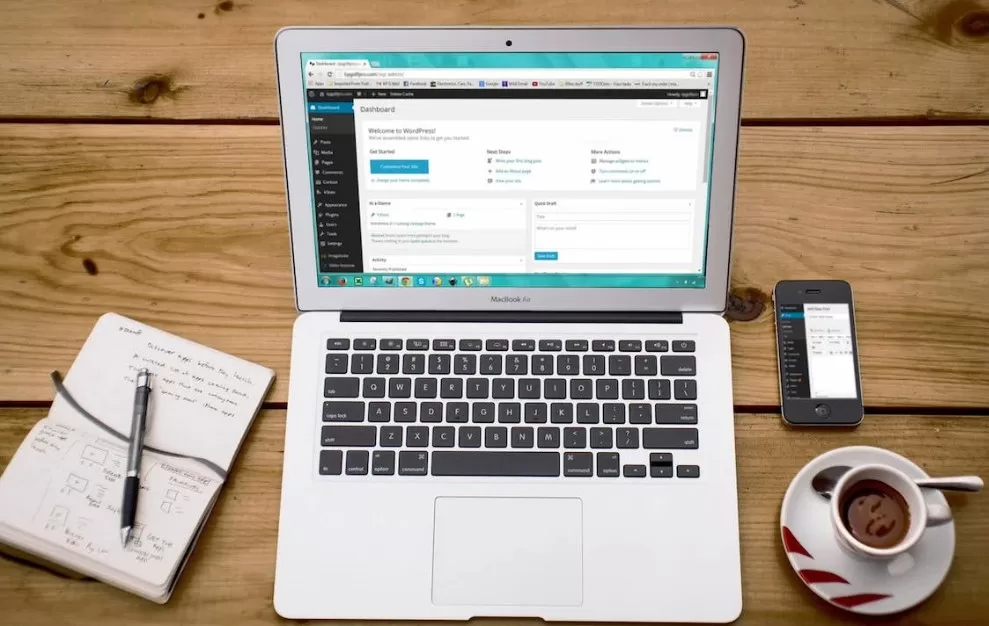 Blogging tools can help you write more efficiently, market to the right audience, and make your blogging efforts more attractive.
Understanding Blogging Tools
Before we dive into the specifics of various blogging tools, it’s important to understand what we mean by “blogging tools” and why they hold such pivotal importance in the realm of blogging.
What Are Blogging Tools?
In simple terms, blogging tools are software or online platforms that help in the creation, management, promotion, and tracking of a blog. They can range from content management systems that provide a base for your blog, to writing and editing tools that assist in the creation of flawless content, to various SEO tools that help optimize your blog posts for better visibility on search engines.
Blogging tools can also extend to graphic design tools that enhance the visual appeal of your blog, social media and marketing tools that assist in promoting your blog across various platforms, and analytics tools that help in understanding your blog’s performance and reader’s behavior.
Why Are Blogging Tools Essential for Beginners?
The answer lies in the complexity of running a successful blog. Blogging is not just about writing your thoughts and publishing them online.
Without blogging tools, managing all these aspects can be overwhelming, especially for beginners. The tools can save you time, enhance the quality of your blog, help you reach your target audience more effectively, and provide insights into your blog’s performance. In essence, blogging tools simplify and streamline the multifaceted process of running a successful blog, making it manageable even for those who are new to the blogging world.
In the upcoming sections, we will explore various types of blogging tools, their specific roles, and some of the best options available in each category to help you get started on the right foot in your blogging journey.
Different Categories of Blogging Tools
In the vast arena of blogging, various tools have been designed to assist us in different areas of managing and enhancing blogs. Understanding these categories and the specific roles they play in your blogging journey can help you make an informed decision when selecting the right tools for your needs.
Here’s a breakdown of the different categories of blogging tools:
Content Management Systems (CMS)
A Content Management System, or CMS, is the foundation of your blog. It’s the platform where you create, manage, and publish your content.
A good CMS will offer features like easy content editing, user management, and customizable design templates.
When you set out to start a blog, one of the first tools you’ll need is a Content Management System (CMS). A CMS is essentially the backbone of your blog, providing the infrastructure where you’ll create, manage, and publish your content. The right CMS makes the process of setting up your blog smooth and manageable, even if you’re not particularly tech-savvy.
Let’s have a quick look at some of the most beginner-friendly CMS platforms:
WordPress
WordPress is undoubtedly one of the most popular CMS platforms out there.
It’s available in two forms: WordPress.org, a self-hosted, more customizable version, and WordPress.com, a hosted version that takes care of the technical aspects for you. WordPress is renowned for its flexibility, vast array of themes, and extensive plugin library that can add just about any functionality to your blog.
Blogger
Blogger is a free blogging platform provided by Google. It’s incredibly easy to use, making it a great choice for beginners.
While Blogger doesn’t have as many customization options as WordPress, its simplicity and Google integration make it a solid choice for those looking to get their content online quickly.
Medium
Medium is a unique platform that combines elements of a CMS and a social media network.
It’s a platform that focuses on writing and reading, stripping away many of the complexities of blog management. With Medium, you won’t have to worry about design or hosting, but it does limit your control over customization and monetization.
Choosing the right CMS depends on your specific needs.
If you’re looking for flexibility and control over customization, WordPress.org might be the way to go. If you want simplicity and speed, Blogger could be your best bet. And if you’re focused on writing and want a built-in audience, Medium might be the platform for you.
Writing and Editing Tools
These tools aid you in the creation of your blog’s most vital aspect: the content. Writing and editing tools can provide grammar checks, stylistic suggestions, plagiarism checks, and more. They help you refine your content, ensuring it’s clear, engaging, and error-free.
Both Google Docs and Grammarly offer the bulk of what most beginner bloggers need in order to cover the writing and editing process. There are other tools, such as the Hemmingway app, hat offer more extensive features, but they aren’t necessary for most people. Tools like HubSpot can provide help on choosing a good topic for your writing.
Graphics and Design Tools
Blogs aren’t just about written content; they also need appealing visual elements.
Graphics and design tools help you create attractive images, infographics, logos, and other visual elements to enhance your blog posts’ aesthetic appeal and make them more engaging to your readers.
A well-written blog post is crucial for engaging your audience, but visual elements bring your content to life. Graphics and design tools assist you in creating visually appealing content that not only attracts readers but also helps convey your message more effectively.
Let’s look at some beginner-friendly graphics and design tools:
Canva
Canva is a user-friendly design tool that offers a wide variety of templates for various formats, from blog post images to infographics and social media posts. Its drag-and-drop interface makes it a breeze to create professional-looking graphics, even with no design experience.
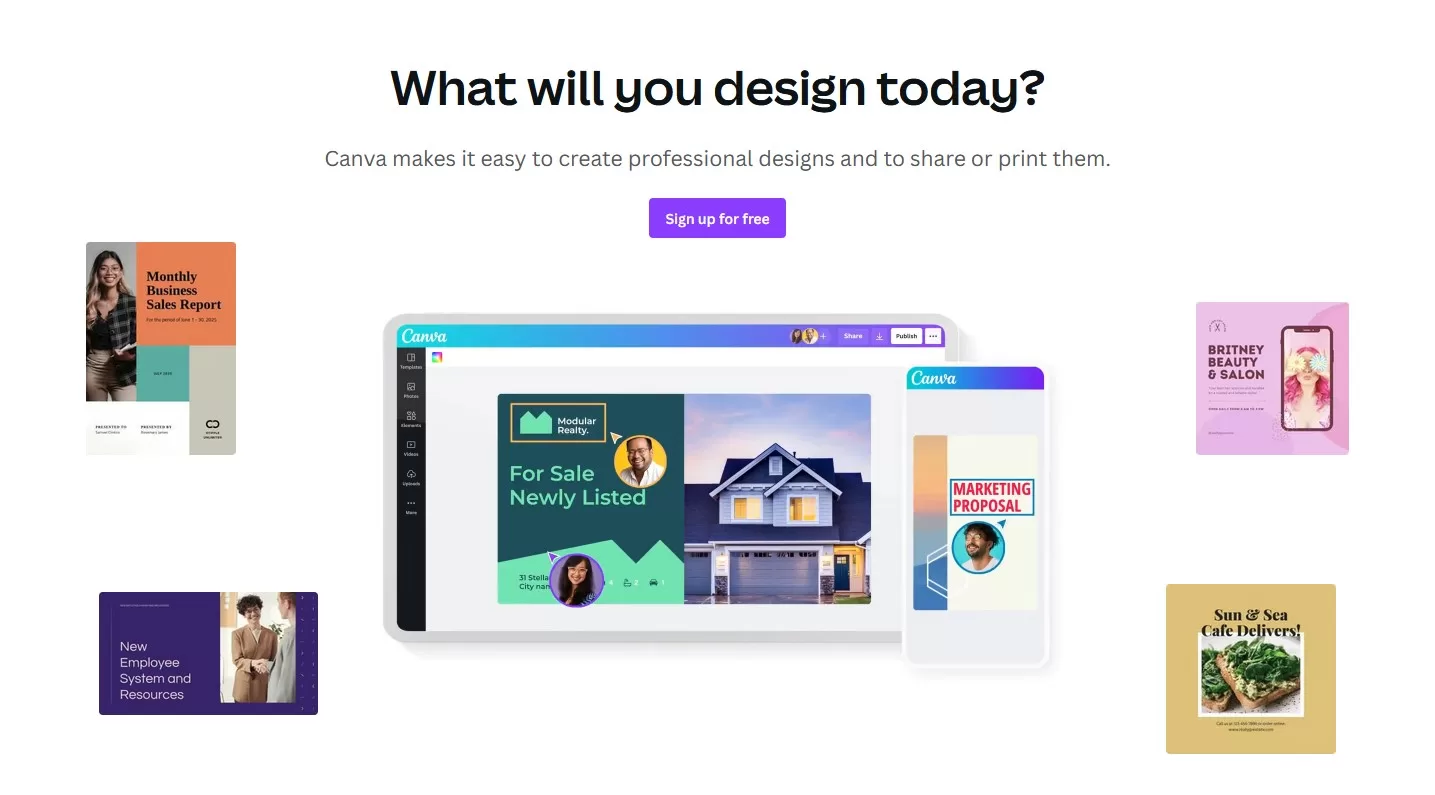 Canva is one of the most useful tools for bloggers, as it allows you to manage graphical elements with ease. You can even get stock photography and use AI image generation within Canva.
Adobe Spark
Adobe Spark is another excellent tool for creating engaging graphics. It offers features for creating social media posts, videos, and web pages. With a variety of templates and a user-friendly interface, Adobe Spark allows you to design eye-catching graphics with minimal effort.
Piktochart
Piktochart is a design tool that’s particularly great for creating infographics, though it can also handle presentations and printables. Its easy-to-use editor and library of templates make it easy to turn data and information into engaging visuals.
The tool you choose depends on your specific needs and comfort level with design software.
Canva’s wide array of templates makes it suitable for general design needs, Adobe Spark’s video and web page features are great for multimedia blogs, and Piktochart is the go-to for data-driven posts needing infographics.
SEO Tools
Search Engine Optimization (SEO) tools help you optimize your blog and its content so it can be found more easily on search engines.
These tools assist with keyword research, provide SEO recommendations for your content, monitor your site’s SEO health, and more.
Keep in mind, your SEO determines how well you will appear in the organic search results. Unless you plan on doing a ton of social media work, optimizing your blog for SEO is a must.
Yoast SEO
Yoast SEO is a popular WordPress plugin that provides comprehensive SEO features. It helps with everything from creating SEO-friendly content to improving your website’s technical SEO aspects. With its traffic light system, it’s incredibly easy for beginners to understand and implement SEO recommendations.
Google Keyword Planner
Google Keyword Planner is a free tool from Google that helps you find the right keywords for your content. Keyword research is essential to ensure your blog posts are optimized for what your target audience is searching for.
SEMRush
SEMRush is a powerful all-in-one SEO tool. While it might be a bit overwhelming for absolute beginners, its features like keyword research, backlink analysis, and technical SEO audits can provide valuable insights as your SEO knowledge grows.
Each of these tools offers unique benefits. Yoast SEO is a great tool for beginners to learn and apply SEO principles directly in their content. Google Keyword Planner helps you target the right keywords to attract your desired audience. SEMRush, while slightly more advanced, offers comprehensive insights that can significantly improve your blog’s SEO performance.
Social Media and Marketing Tools
Having great content is one thing, but promoting it effectively is another. Social media marketing tools help you share your content across different platforms, schedule posts, manage your social media accounts, and even help you build email lists for marketing.
There are a ton of different social media and marketing tools out there, so it’s hard to say which one is right for everyone, even a beginner. Some notable examples include MailChimp for email marketing, and Hootsuite for social media management, although both are fairly expensive.
In the beginning of your blogging journey, you might want to stick with simple and straightforward tools. Canva has a lightweight social media scheduler that you can leverage. You can also opt to use platforms like Medium and Substack to send out emails to your readers vs. actually using a full scale email management system.
Analytics and Tracking Tools
Understanding your blog’s performance is key to its growth. Analytics and tracking tools provide valuable insights into your audience’s behavior, showing you what’s working and what’s not. These tools track metrics like page views, user engagement, bounce rate, and conversions.
Here, Google Analytics is really all you need as a beginner blogger. You should make sure your blog is added as a property in both GA4 and in Search Console, so you can get as much insight into traffic, impressions, and other metrics as possible.
Comments and Interaction: Building a Successful Blog
Creating a successful blog doesn’t end with crafting and posting engaging content. Building a community and fostering interaction with your audience is equally important. This section aims to facilitate such interactions.
Engage with the readers through the comment section
Interaction is the essence of a vibrant blogging community. You are going to want to encourage a dialogue with your community. This will help increase the chance that your blogs will get shared around organically.
Interacting outside of your Blog
This includes sharing your content on social media and responding to comments there as well. Social media platforms like Facebook also have groups where you can post content within a certain niche, so be sure to join groups and get involved with those communities. This will help you become a respected authority in your niche.
Write For Engagement
In your blogs, you should once in a while pepper in questions for your audience. Ask them to leave a comment or ask for their opinion on something that was mentioned in the article. Blogging is about building and being part of a community. Your comments, feedback, and engagement are the heart of this community. Let’s learn, grow, and embark on this exciting blogging journey together.
Beyond Blogging
Now that you have an understanding of the best blogging tools for beginners, you are equipped to really make your blogging efforts shine.
There’s a lot you can do with a well-made, well-managed blog however, that extends beyond writing and building a community.
For instance, eCommerce businesses can make great use of a blog. This is a powerful tool for gaining traction in SEO and educating your readers on your products.
Blogs can also burgeon into businesses in their own right. Many popular blogs started as merely places to find recipes or tutorials and have turned in passive income generators through Google advertising and affiliate marketing.
It may take a few months for your blog to see traction but if you are consistent and you use these blogging tool recommendations, you have a great shot at creating a useful resource for your niche.