
Instagram, posted for you every week
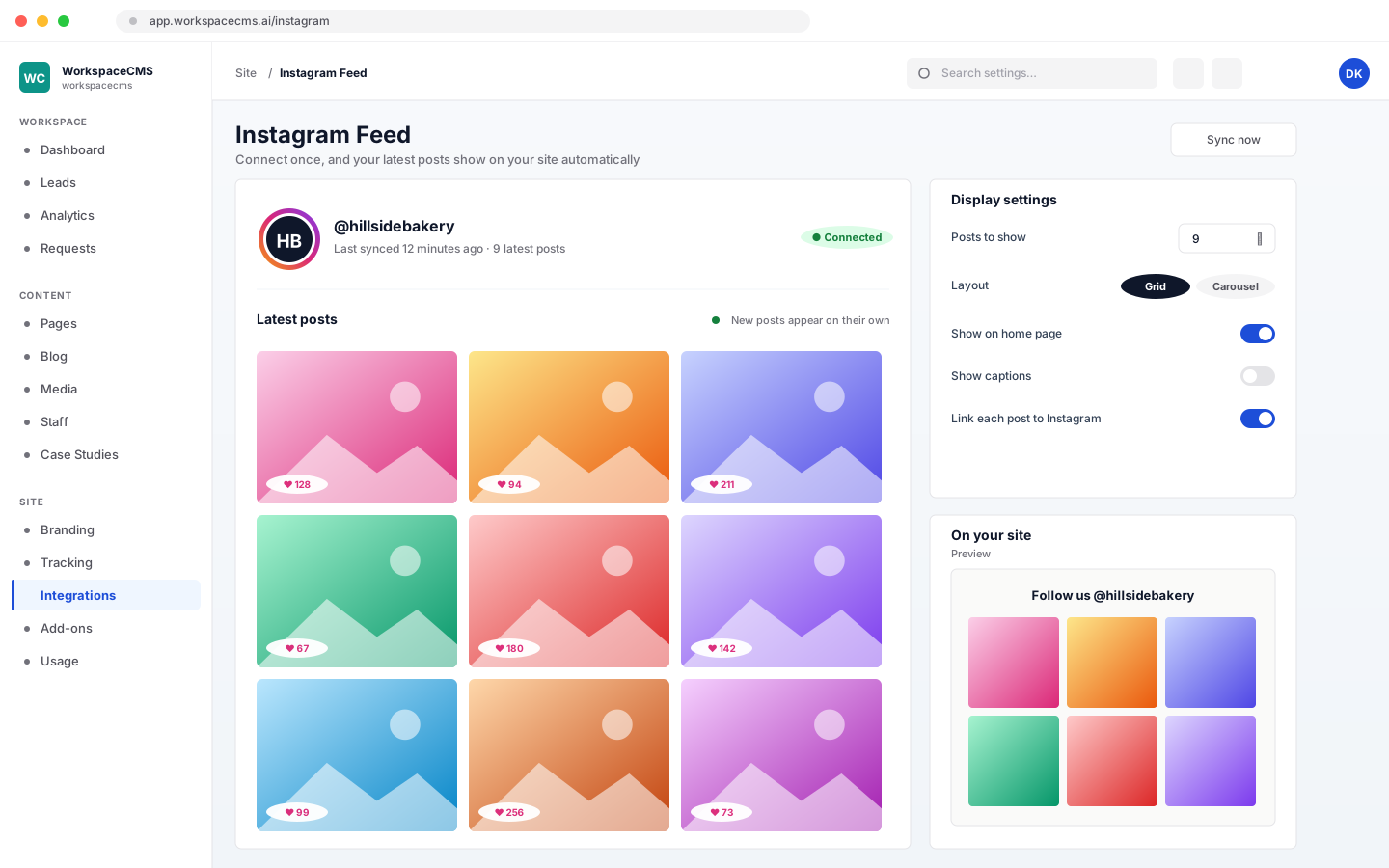
Social Automation turns what your website already says into Instagram posts. It writes the caption, makes the image, and posts on the days and hour you choose. Posts wait in a queue for your OK, or go out on their own once you trust them.
- Website plans: Included on Premium ($449/mo) and Ultra, a $49/mo add-on on other plans
- Store plans: Included on Growth ($799/mo) and Scale, a $49/mo add-on on Launch
What is Social Automation?
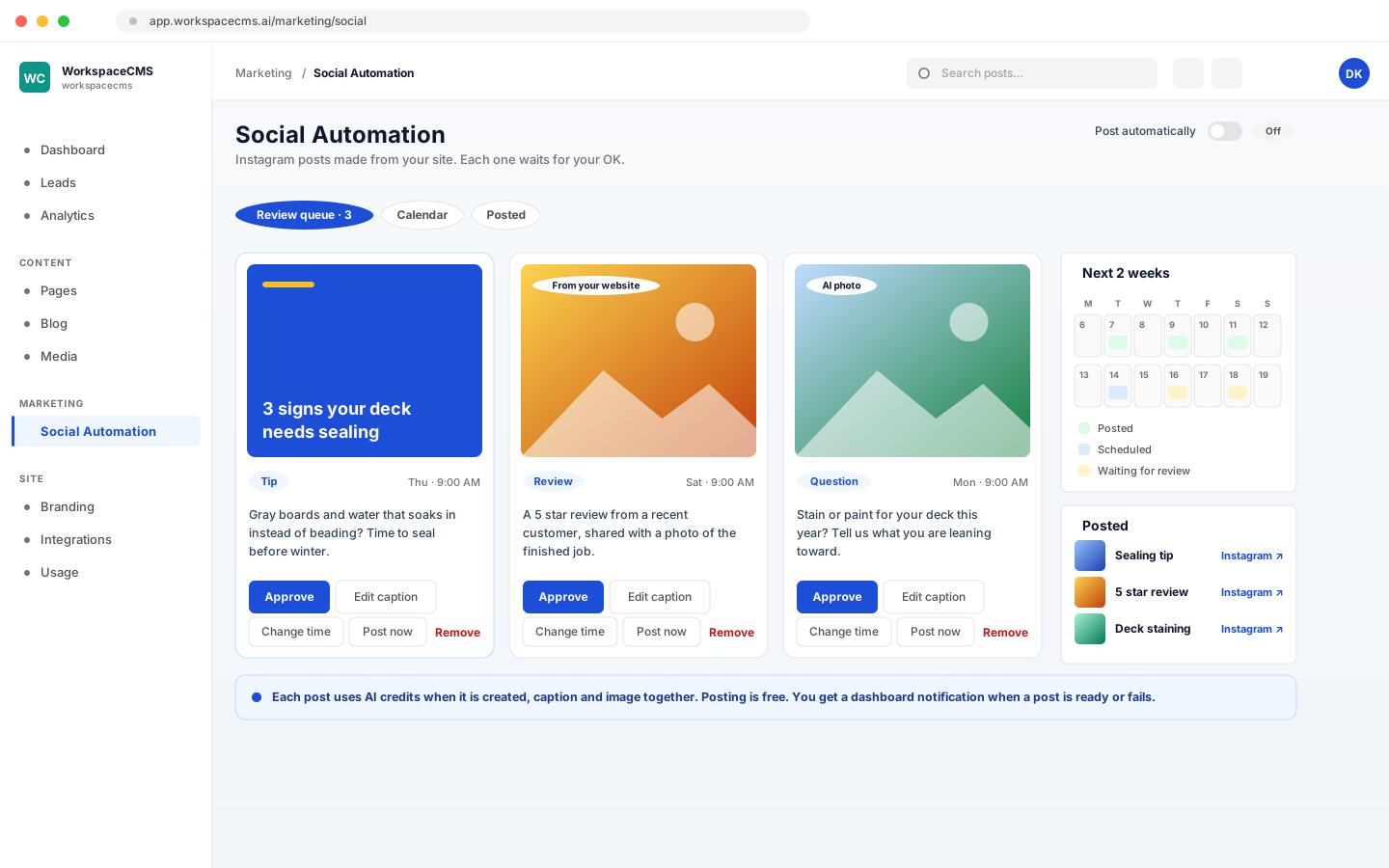
Social Automation is an AI agent in your 1Digital dashboard that keeps a business's Instagram account posting. It writes captions and creates images from the business's own pages, products, blog posts and 4 and 5 star Google reviews, then posts 1 to 7 times a week at a set hour. Posts wait for approval by default. It is included on the Premium and Ultra website plans and the Growth and Scale store plans, and is a $49 a month add-on on other plans.
- 1 to 7 posts a weekAt the hour you pick, in your own time zone
- Four looksBranded graphics, AI photos, your own photos or a mix
- A Friday previewNext week's posts in one email: approve them all in a click
How it works
4 steps, shown as you will see them
- 1
Connect Instagram once
Link your Instagram Professional account (Business or Creator) and grant posting permission one time. We never see your password.
- 2
Tell it what to aim for and how you sound
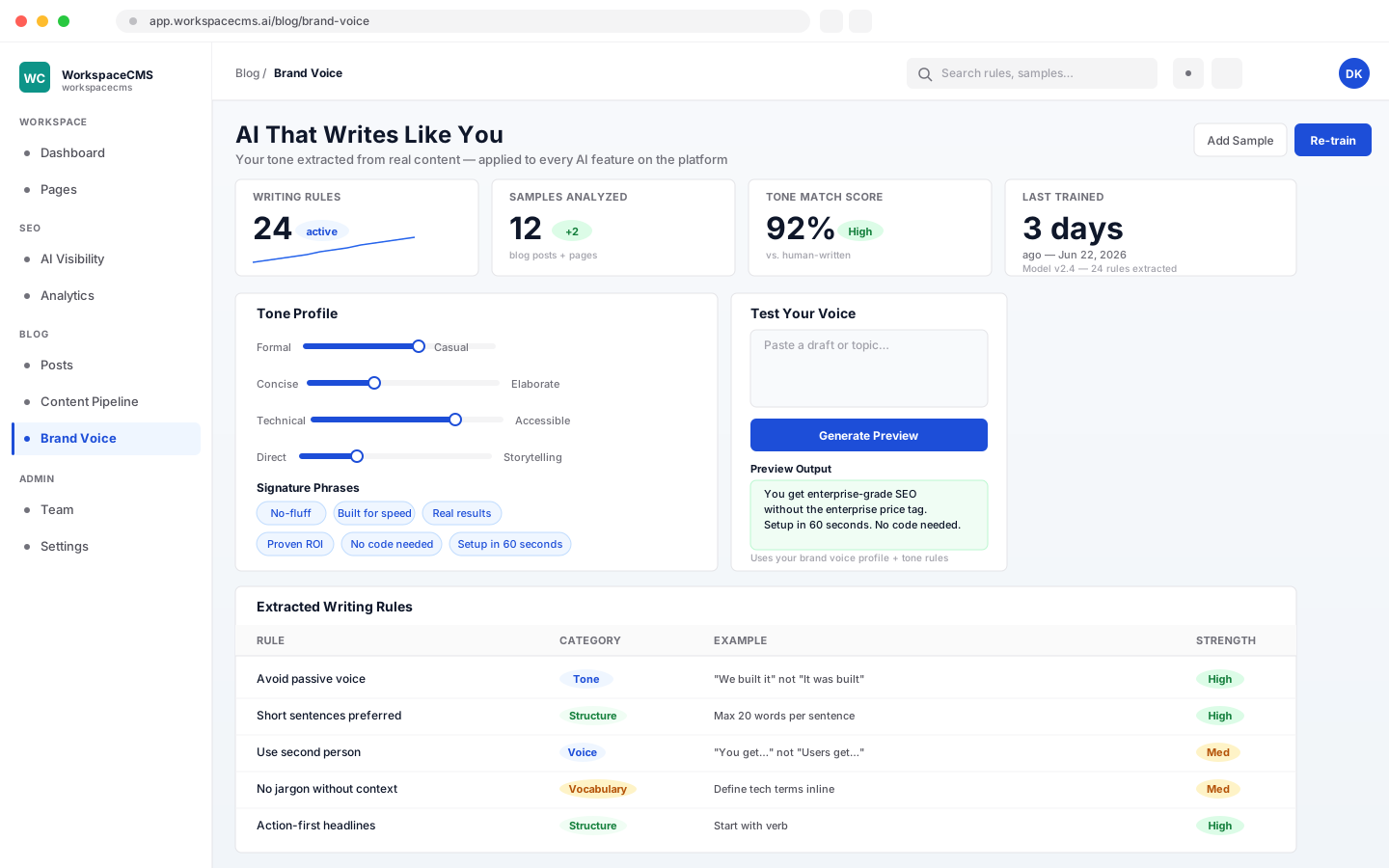
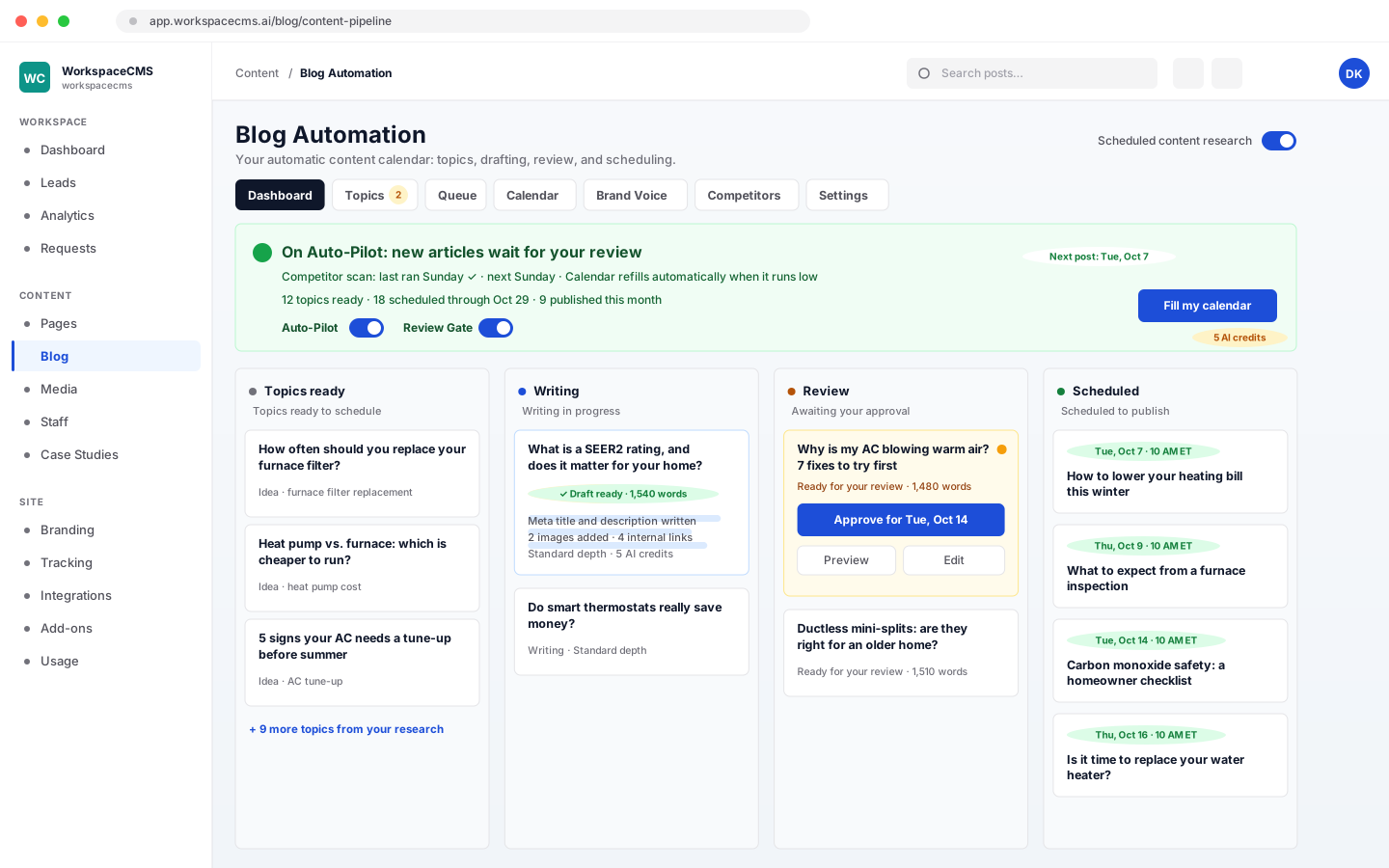
Pick one of five goals and it sets the mix of posts: tips, service or product highlights, blog posts, customer reviews, questions and behind-the-scenes. Your brand voice, reviews and photos feed every caption.
- Each blog post and review is used once
- It steers away from what competitors already say
- 3
Choose a look
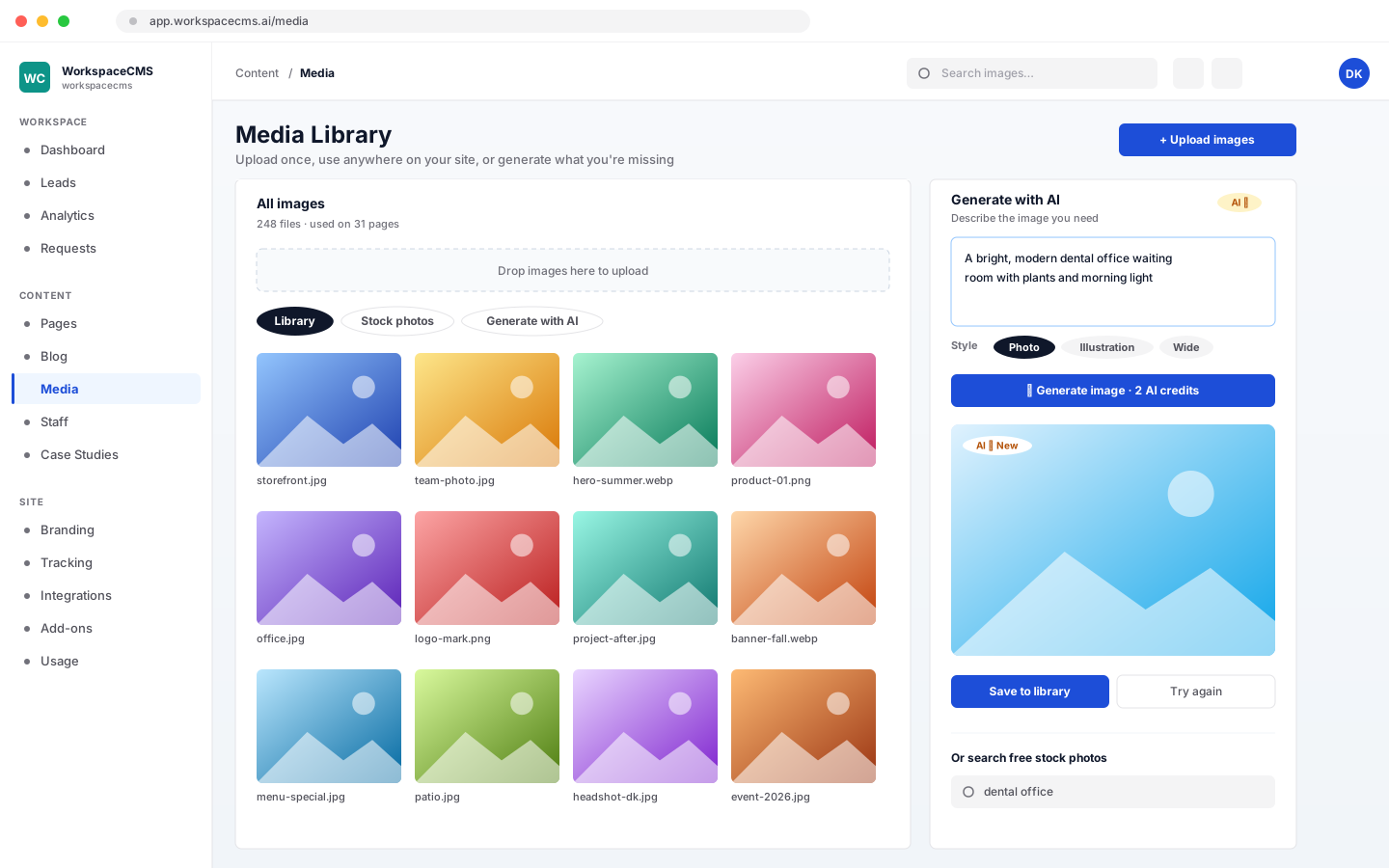
Branded graphics in your colors, AI photos with no text on them, your own photos, or a mix. Upload photos in setup or share a Google Drive or Dropbox folder and they are used first.
- Your own photos first, least used first
- Turn a top post into a Motion Reel
- 4
Approve the week, or let it post
Posts are written a week ahead into a queue. Approve, edit the caption, change the date, post now or remove. A two-week calendar shows what is coming and a history links to everything posted.
- One Friday email with next week's posts and an Approve all button
- If the queue is ignored, it stops writing until you are back
What is inside
The details that make it hands-off
A check the day before
Every post due tomorrow is checked for a broken image, an empty or overlong caption, too many hashtags, a disconnected account or a promotion that has ended.
Learns your best hour
Some posts go out a little earlier or later. When a nearby hour clearly does better, your posting time moves and you are told.
1 to 7 posts a week
At the hour you pick, in your own time zone. Change the pace any time.
Reels from your best posts
Turn a top still post into an animated Motion Reel. It keeps the photo and message and waits as a draft.
Pay to create, not to post
AI credits are used when a post is made, caption and image together. Posting is free, and a post that fails to create is not charged.
Told when something changes
A dashboard notice when a post is ready, fails, needs a fix before tomorrow or moves to a better time.
Where it comes included
Get Social Automation with your plan
Each post uses your plan's AI credits when it is created. Posting is free. The $49/mo add-on comes with 30 Motion Reels a month at no credit cost.
Website plans
- Essentials $89/moAdd it for $49/mo
- Growth $199/moAdd it for $49/mo
- Premium $449/moSocial Automation included
- Ultra $749/moSocial Automation included
eCommerce Website Plans
- Launch $499/moAdd it for $49/mo
- Growth $799/moSocial Automation included
- Scale $1,299/moSocial Automation included
Social Automation questions
Does anything post without my approval?
Which social networks does it post to?
Where do the captions and images come from?
Can I use my own photos?
What does it cost to run?
Works alongside
The rest of the AI team
Put Social Automation to work
Tell us about your business and we will show you the plan that includes it, and what your site and your first month of content could look like.