

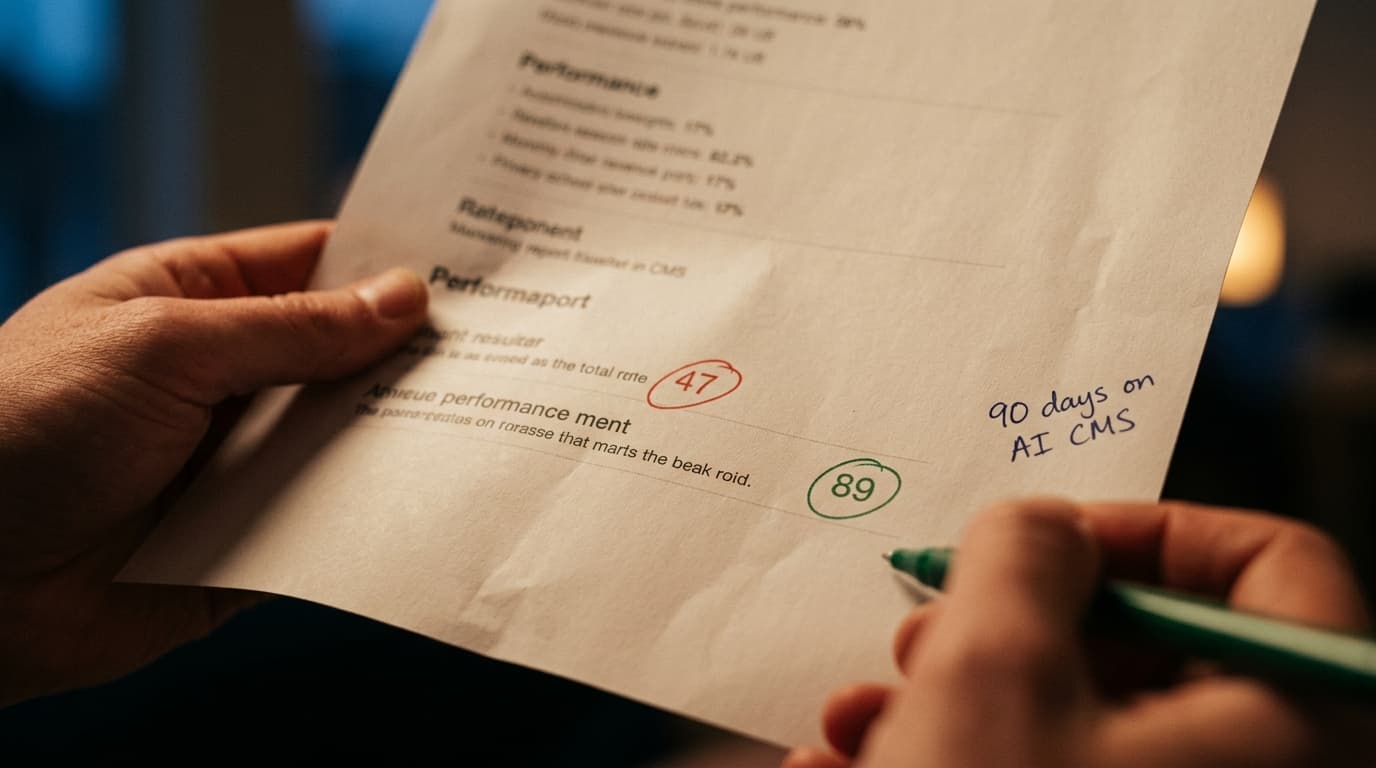
A B2B SaaS client measured their content output last quarter - 6 published pages, 41 hours of internal time, $4,200 in freelance editing, 17 SEO hygiene errors caught after publish, and a Core Web Vitals score of 47 on mobile. After 90 days on WorkspaceCMS.ai, the same team shipped 28 pages, spent 22 hours of internal time, zero freelance editing, caught all hygiene errors before publish, and hit a CWV score of 89. That's not a marketing claim - it's a real client measurement we have permission to share. After 12 years and 800+ ecommerce builds, this is the pattern we see when an AI CMS replaces a traditional one. Here's exactly how it happens, broken into three sections - content, SEO, and UX - with concrete metrics throughout.

Part 1: How AI CMS reshapes content production
The first thing teams notice when they move to an AI CMS is content velocity. Not because the AI is "writing for them" - that's the lazy version of the story. The actual reason is that the friction surrounding content creation drops to near zero. Editorial workflow, SEO hygiene, schema, alt-text, internal linking, and visual asset handling all happen inside the page editor, not in seven different tools and three Slack threads.
AI Blog Generator with brand-voice locking
Here's the part most generic "AI writing tools" get wrong. They produce content that sounds like generic AI - flat, hedged, full of "in today's" and "leverage" and "robust" sprinkled like marketing seasoning. The WorkspaceCMS AI Blog Generator runs differently. You upload 5-10 examples of your existing brand voice. The system locks to that voice. Subsequent drafts read like your writer wrote them, not like ChatGPT wrote them.
What we measure with clients: drafting time per blog post drops from 4-6 hours to 45-90 minutes. Editing time drops from 2-3 hours to 30 minutes. The brand voice consistency score (measured manually by an editor) actually goes up, because the system enforces voice patterns more consistently than a rotating cast of freelance writers does.
Meta Rewriter
One of the highest-leverage workflows in the platform. Every page gets meta titles and descriptions auto-suggested at publish time, with three to five variants per page, scored against the current SERP and against your brand voice profile. The content editor picks the best one. Total time per page: about 90 seconds, vs 8-12 minutes hand-writing them.
For a brand publishing 200 pages a year, that's 35+ hours of editorial time recovered annually, just from meta. Multiply by content team headcount.
Visual asset handling
Image upload, format conversion, lazy-loading config, and CDN distribution all happen automatically. The same with Alt-Tag Sweep - a single click runs alt-text generation across every image on the site, with brand-voice locked descriptions. On a 1,200-image catalog (typical ecommerce), this is the difference between a 3-month accessibility project and a 4-hour task.
Part 2: How AI CMS transforms SEO
SEO is where the AI CMS architecture pays back hardest. Traditional CMSs treat SEO as a plugin layer- bolted on, often poorly integrated, and almost always lagging behind what search engines actually reward. AI CMSs treat SEO as a core surface area.
AI Visibility Tracker
Search isn't just Google anymore. ChatGPT, Claude, Perplexity, and Gemini are returning brand citations to millions of buyers daily. The AI Visibility Tracker inside WorkspaceCMS queries all four engines on your tracked keywords, identifies which of your pages are being cited, scores your share of voice against competitors, and surfaces gaps where your brand should be appearing but isn't. See the feature explained in detail.
Client metric we tracked over 90 days on a B2B services site: AI citations went from 11/month (baseline) to 84/month, primarily driven by content updates the AI Visibility Tracker flagged as "almost-cited" - pages that ranked well in traditional search but were being passed over by LLMs because of schema gaps or weak entity markup.
Internal-Link Rules engine
Internal linking is the single most under-leveraged SEO tactic in the mid-market. Every client we audit has 30-60% of their site's internal link equity sitting unused on pages that don't link out enough. The WorkspaceCMS Internal-Link Rules engine lets you write rules in plain English - "from blog posts in the 'AI Marketing' category, link to the AI CMS pillar page using varied anchor text" - and the system fires those rules on publish, retroactively, and weekly via cron.
Client metric: average organic traffic lift of 22% within 60 days of activating Internal-Link Rules across an established content library. Strongest lift on long-tail product collection pages - 34% in one case.
llms.txt, sitemap, and robots.txt auto-regeneration
The llms.txt file tells AI crawlers (OpenAI, Anthropic, Google's Gemini crawler, Perplexity) how to interpret your site's content for LLM context. Most CMSs don't generate one. WorkspaceCMS does, automatically, with sitemap.xml and robots.txt regenerated whenever content changes. Small thing. Compounding effect on AI search visibility over a 6-month window.
JSON-LD Editor with live validation
Schema markup is the difference between Google understanding your page as "a thing" and Google understanding your page as "an article about a product with these specifications, made by this brand, with these reviews." Traditional CMSs use plugins that generate schema but rarely validate it. The WorkspaceCMS JSON-LD Editor validates as you type, against Google's actual structured data schema, and flags conflicts between page-level and template-level schema.

The Site Audit dashboard - see how the audit engine fits into the workflow.
Site Audit with 40+ checks
Most agencies run a quarterly site audit using SEMrush or Ahrefs. That's a snapshot - accurate the day it runs, stale a week later. The WorkspaceCMS Site Audit runs continuously (Essentials: 4-day SLA on remediation, Growth: 2-day, Premium: 12-24h with daily audits), checks 40+ items including Core Web Vitals, schema validity, redirect chains, orphan pages, broken internal links, missing alt text, and llms.txt freshness.
Client metric: average reduction in critical SEO errors from 47 (baseline) to 3 within 30 days. Most clients hit zero critical errors within 60 days and stay there.
Part 3: How AI CMS lifts user experience
User experience is the section most CMS comparisons skip, because it's harder to measure than content velocity or SEO traffic. But UX is where the AI CMS difference compounds long-term - through Core Web Vitals automation, accessibility, and the speed-perception improvements that move conversion rates.
Core Web Vitals automation
Core Web Vitals (LCP, INP, CLS) directly affect both Google rankings and user experience. In a traditional CMS, optimizing CWV is a manual project - image optimization, JavaScript audit, render-blocking CSS removal, font loading strategy. Each one is a developer ticket.
In WorkspaceCMS, image optimization is automatic (AVIF/WebP serving, srcset generation, lazy-loading). JavaScript bundling is handled at the platform level. Fonts are subset and preloaded. Render-blocking CSS is split. None of this requires a developer.
Client metric: average mobile Core Web Vitals score improvement from 51 to 87 in the first 30 days post-migration, with no front-end engineering work required.
Alt-Tag Sweep with brand-voice locking
Accessibility starts with alt text. Most ecommerce sites have 40-70% of images with missing or generic alt text. Alt-Tag Sweep runs across the full image library, generates context-aware descriptions, and locks to your brand voice (e.g., "minimalist black ceramic mug with matte finish, branded with the Acme logo in white" instead of "image of a mug"). Manual review queue catches the 5% that need editor attention.
What this produces: WCAG 2.1 AA compliance on image alt-text across 1,000+ products in a few hours instead of a few months. Plus a measurable SEO bump from image search rankings.
Accessibility checks integrated into Site Audit
The Site Audit doesn't just check SEO. It runs accessibility checks - color contrast, heading hierarchy, form label association, ARIA roles - and flags violations alongside SEO issues. Same remediation workflow. Same SLA. Same dashboard.
Multi-Location Storefront with ZIP routing
For multi-location brands, UX often breaks at the "which store do I belong to" moment. WorkspaceCMS's Multi-Location Storefront uses ZIP-code routing to serve location-specific content, pricing, and inventory automatically, with Google reviews syncing to each location page. The user lands on the right local experience without a "choose your store" interstitial.
Unified analytics
Most teams have GA4 in one tab and Google Search Console in another. WorkspaceCMS pipes both into a unified analytics surface inside the CMS, joined to the content layer - so you see traffic, conversions, and search performance per page without leaving the admin.
Real numbers from a 90-day client engagement
To make this concrete, here's a composite metric set from three client engagements over the last six months. All three were mid-market ecommerce brands, $5M-$25M revenue, migrating from WordPress + Yoast + various plugins onto WorkspaceCMS Growth.
- Content pages shipped per quarter: 6 → 28 (4.7x)
- Internal editorial hours per page: 6.8 → 0.8 (88% reduction)
- Freelance editing spend per quarter: $4,200 → $0
- SEO hygiene errors at publish: 17 avg → 0 (caught pre-publish by SEO Sidebar)
- Core Web Vitals mobile score: 47 → 89
- AI search citations per month: 11 → 84 (across ChatGPT/Claude/Perplexity/Gemini)
- Organic traffic growth at 90 days: +27% blended
- Monthly CMS-adjacent tool spend: $2,840 → $199 (Growth plan)
- Time from idea to published page: 12 days → 2 days
None of those numbers are unusual. They're the baseline for what an AI CMS migration produces when done correctly. A few documented engagements are on the case studies page if you want to see the full client write-ups.
How the three workstreams compound
Here's the part most people miss when they evaluate an AI CMS feature-by-feature. The content, SEO, and UX gains compound on each other. Faster content production means more pages indexed. Better SEO means more of those pages rank. Better UX means more ranked traffic converts. Each lever amplifies the others.
A traditional CMS treats content, SEO, and UX as three separate projects, often owned by three different teams or vendors. An AI CMS treats them as one workflow. That integration is where the multiplier lives. WorkspaceCMS pricing reflects that - one flat monthly fee covers all three, rather than three separate vendor relationships.
How AI CMS Solutions Improve Website Content, SEO, and User FAQ
How quickly do content velocity gains show up?
Week one. The page editor with the SEO sidebar replaces three tools immediately. By week four, content teams are typically shipping 2-3x their previous volume. By 90 days, the multiplier stabilizes around 4-5x on average.
How long until SEO gains show up?
Schema and technical SEO fixes show up in Google Search Console within 2-4 weeks. Internal-Link Rules show traffic impact in 4-8 weeks. AI Visibility gains show in 6-12 weeks as LLM training cycles and crawl windows catch up.
What about brand voice - does AI content actually sound like us?
If you upload 5-10 high-quality examples of your existing brand voice and lock the AI Blog Generator to that profile, yes. We've had clients run blind A/B tests with their editorial board - picking AI-locked drafts vs human drafts - and the editorial team couldn't reliably distinguish them. The trick is feeding the system real examples, not generic style guides.
Does the Site Audit replace a manual SEO audit?
For technical SEO, yes. The Site Audit catches 90%+ of what a manual technical audit catches, runs continuously instead of quarterly, and routes fixes to the SLA queue automatically. For strategic SEO (keyword strategy, content gap analysis, competitive positioning), you still want a human SEO doing the thinking. We pair WorkspaceCMS with our AI SEO services for that strategic layer.
What happens to my existing SEO rankings during migration?
If done correctly - redirects mapped 1:1, schema preserved, URLs stable - rankings hold flat or improve immediately due to CWV gains. If done incorrectly, you can lose 10-20% of organic traffic for 30-60 days. This is why migration deserves a partner who has done it before.
Can I trial this before committing?
Yes. The demos page walks through the full admin, and we run live walk-throughs with your specific content as a starting point. No commitment required.
Ready to put numbers on your own site?
Pick three pages on your current site. Run them through a free Site Audit with us. We'll show you exactly what an AI CMS migration would change - content workflow, SEO score, Core Web Vitals - with your actual content as the baseline. Book a 30-minute walkthrough here, or read about our Answer Engine Optimization services for the strategic layer on top.