

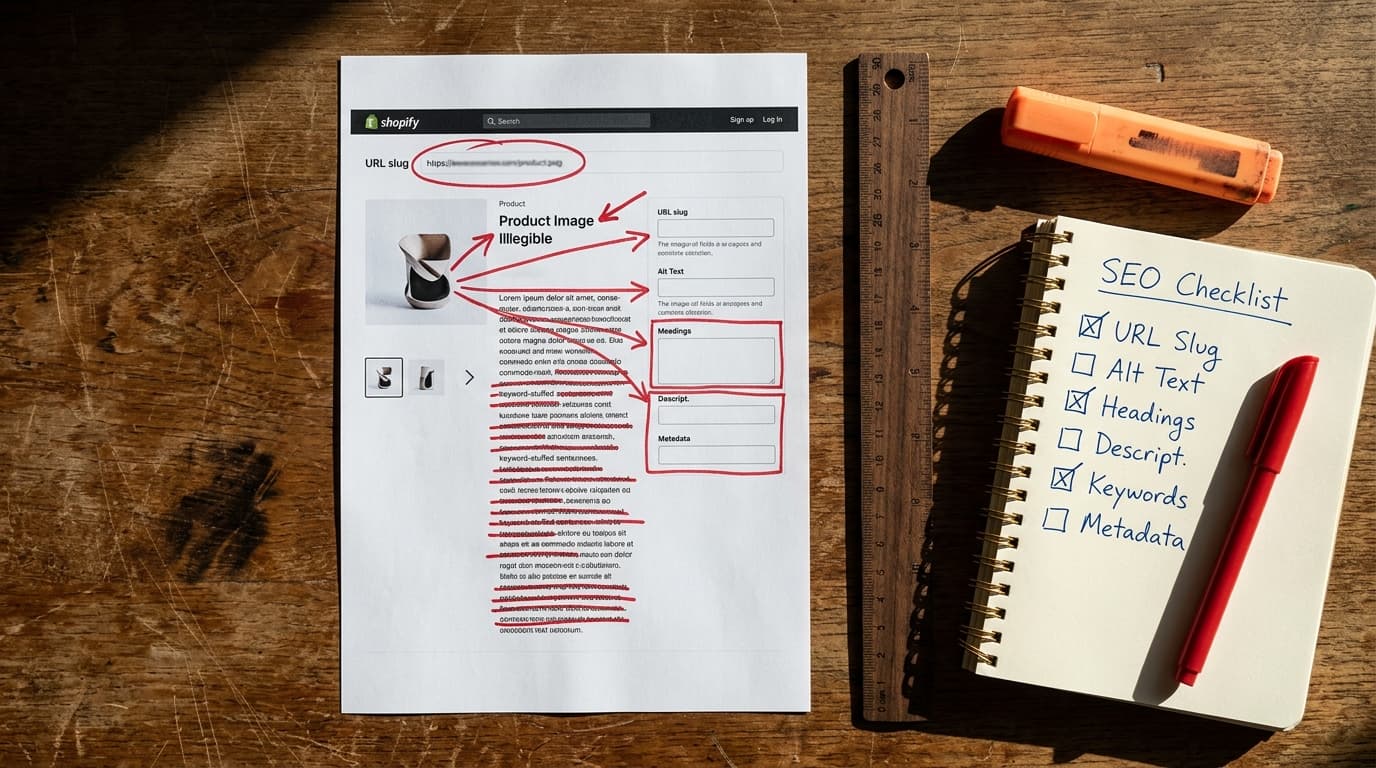
Optimizing a Shopify product page for SEO is not about keyword stuffing or installing a magic app. It's a systematic process of structuring information to prove relevance and quality to search engines, which drives qualified traffic and sales. Most stores fail by trusting platform defaults and neglecting the technical substrate that underpins how a page is understood by Google.
The goal is to make every element on the page - from the URL to the image alt text - work together to send a single, coherent signal about what your product is and who it's for. This guide covers the complete checklist.
Title Tags Are Your Search Result Billboard
The title tag is the single most important on-page SEO element. It's the blue link text that appears in Google search results, and it's your first chance to attract a click.
The mistake to avoid: using Shopify’s default title structure without editing it. By default, Shopify appends your store name to every product title, like "The Amazing Widget - My Awesome Store." This wastes valuable space and dilutes the keyword focus.
In practice, your title tag needs to be precise and compelling. Follow this formula:
- Structure: Primary Keyword - Secondary Keyword | Brand Name
- Example: Men's Wool Runners - All-Weather Sneaker | Allbirds
- Length: Keep it under 60 characters to avoid truncation in search results.
Front-load your most important keyword. This is what users scan for and what Google weighs most heavily. The title tag tells Google what the page is about; the on-page content confirms it.
URLs Must Be Clean, Permanent, and Readable
A product's URL, or "handle" in Shopify's terms, is a small but significant ranking signal. More importantly, it's a permanent address. Changing it later creates broken links and messy redirects that bleed authority.
The failure mode is launching a product with the default, auto-generated URL. Shopify often creates a slug from your entire product title, resulting in long, clunky URLs like /products/the-amazing-waterproof-widget-for-all-seasons-blue. This is unhelpful for users and crawlers.
Set the URL slug once, at product creation, and never change it. The best practice is simple:
- Make it short, lowercase, and use hyphens to separate words.
- Include your primary target keyword.
- Remove stop words like "a," "the," and "for."
A good URL slug is /products/mens-wool-runners. A bad one is /products/copy-of-wool-runner-final-v2. The clean version is a permanent asset; the messy one is a technical debt you'll eventually have to pay.
Product Descriptions That Sell and Rank
People often ask if they should write descriptions for users or for SEO. This is a false choice. A good product description serves both.
The most common failure is writing thin, uninspired copy or, even worse, copying and pasting it from a manufacturer's website. This creates duplicate content issues and gives customers zero reason to buy from you. Your product description is a sales tool first and an SEO tool second.
Here’s how to structure it:
- Above the Fold: Write a 2-3 sentence summary that immediately explains the product's core benefit. Naturally include your primary keyword here. This section often doubles as your meta description.
- Bullet Points: Use 3-5 bullet points to highlight key features, specifications, or materials. This is for scanners - the people who won't read the full paragraphs. That process of rapid, intention-driven selection is information foraging, and it is exactly what happens in the first few seconds on a product page.
- Deeper Dive: Below the bullets, add a few short paragraphs that tell a story, answer common questions, and overcome objections. This is where you can naturally weave in secondary and long-tail keywords.
Unique, helpful content is rewarded. Thin, duplicated content is ignored.
Image Optimization Is Not Optional
Images sell products, but unoptimized images kill page speed and hurt rankings. Every single product image needs to be optimized before you upload it to Shopify.
The failure mode: uploading a 4MB photo directly from a camera named IMG_4077.JPG with no alt text. This slows your site to a crawl, provides zero context to search engines, and creates a poor user experience.
A Three-Step Workflow for Every Image
- 1. Descriptive File Names: Before uploading, rename your image files to describe what they show. Instead of
IMG_4077.JPG, useblue-wool-runner-side-view.jpg. This gives Google an immediate clue about the image's content. - 2. Compressed File Size: Large images are the number one cause of slow product pages. Use a tool like TinyPNG or a Shopify app like Crush.pics to compress your images. Aim for file sizes under 150kb without a noticeable loss in visual quality.
- 3. Meaningful Alt Text: Alt text (alternative text) describes an image for visually impaired users and for search engines. It should be a literal, concise description. For an image of the blue wool runners, good alt text is "Men's blue wool runners on a white background." It is not a place to stuff keywords.
Structured Data (Schema) Is Your SERP Superpower
The hype around "AI SEO" often misses the most practical application that's been around for years: structured data. Product schema is code that explicitly tells Google details about your product, like its price, availability, and review rating.
The mistake to avoid: trusting that your Shopify theme handles this perfectly. Most modern themes generate basic Product schema, but it's often incomplete or contains errors. This prevents you from getting rich snippets - the star ratings, prices, and "In Stock" labels that make your listing stand out in search results.
Here’s what you need to do:
- Test Your URL: Take a product page URL and run it through Google's Rich Results Test.
- Check for Key Fields: Look for the detected "Product" item. Does it have values for
name,image,description,sku,brand, andoffers(which contains price and availability)? - Verify Reviews: If you collect reviews, make sure the schema includes
aggregateRatingandreview. This is what powers the star ratings in the SERP. If it's missing, your reviews aren't helping your SEO nearly as much as they could be.
Fixing schema often requires a Shopify app or a developer's help, but identifying the problem is the first and most important step. A clean schema is the difference between a plain blue link and a rich, click-driving result.
The Honest Truth: This Is Foundational Work
Following this checklist is not a one-time fix that guarantees top rankings. This is the foundational work required to compete. The honest version is slower but compounds; the deceptive version that promises instant results with black-hat tricks carries platform risk and collapses when exposed.
True product page authority comes from this on-page optimization combined with a healthy internal linking structure (from blog posts and category pages) and earning backlinks from reputable external sites. Get the foundation right first.
Turn this guide into a pre-launch checklist for every new product. This is where the audit hands off into your actual day-to-day workflow, ensuring every product you launch is built on a solid SEO footing from the start.
Product Page SEO: The Complete Optimization Guide for FAQ
How long does it take for product page SEO to work?
After optimizing a product page, it can take anywhere from a few weeks to several months for Google to recrawl, re-index, and re-evaluate your page. For new products, expect a longer timeframe. For existing pages with some history, you may see changes more quickly, but SEO is a long-term investment, not an overnight fix.
Should I use a Shopify SEO app?
A good Shopify SEO app can be very helpful for automating technical tasks like fixing broken links, managing image compression, and generating or editing schema markup. However, no app can write your product descriptions, choose your target keywords, or build a linking strategy for you. Use apps as tools to execute your strategy more efficiently, not as a replacement for strategy itself.
What's the difference between a title tag and an H1 tag?
The title tag is what appears in the browser tab and on the Google search results page; the H1 tag is the main visible headline on the actual product page. The title tag signals relevance to the search engine externally; the H1 confirms that relevance to the user on the page. While they are often similar, they serve two distinct purposes.
Is it okay to use the same description for similar products?
No. Using the same description for multiple products creates duplicate content, which can hurt your rankings. Even for very similar products (like the same t-shirt in different colors), you should write a unique description for each page. You can use a similar template, but the copy must be distinct enough for search engines to see it as a unique page.