

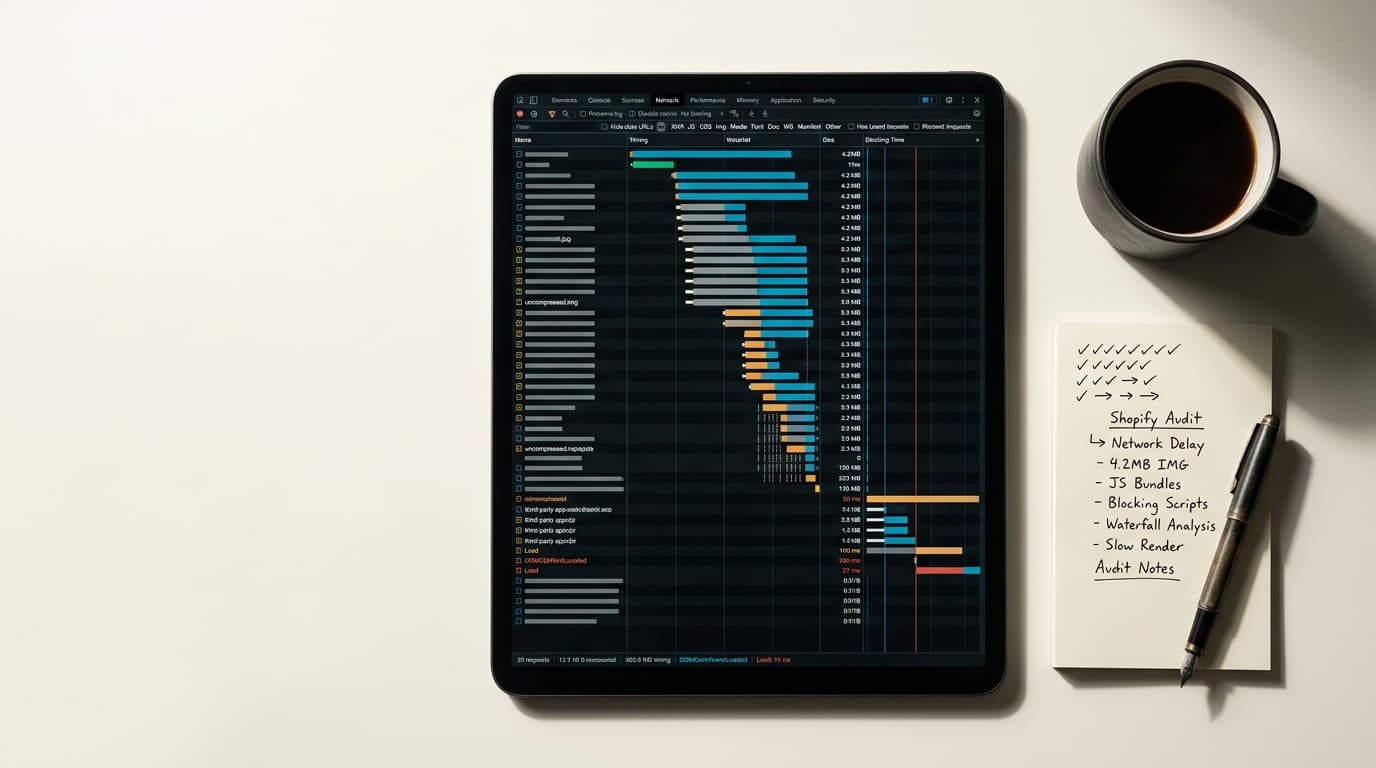
Improving Shopify Core Web Vitals requires optimizing your theme's code, auditing third-party app scripts, and compressing media files. These metrics - Largest Contentful Paint (LCP), Cumulative Layout Shift (CLS), and Interaction to Next Paint (INP) - are a confirmed Google ranking signal directly tied to user experience and conversion rates on your store.
The performance optimization world loves a new acronym. Core Web Vitals (CWV) is the latest one from Google, and it has already collected the usual breathless hype claiming that it’s a completely new discipline that makes all prior work obsolete. It is none of that. CWV is a set of metrics that measure a real thing: how fast and stable a page feels to a human user. On Shopify, this is a direct proxy for the friction a customer experiences before they can buy something.
The work isn't magic; it's a series of deliberate tradeoffs. The core problem is almost always the same: a theme bloated with features, an over-reliance on third-party apps, and large, unoptimized media files. Fixing it means being methodical.
Core Web Vitals Are a Verdict on Your User Experience
Google’s metrics are just labels for user frustrations. They are worth understanding because they give you a precise language for diagnosing why a page feels slow or broken.
- Largest Contentful Paint (LCP): Measures loading performance. How long does it take for the largest image or text block to become visible? Anything over 2.5 seconds feels slow.
- Cumulative Layout Shift (CLS): Measures visual stability. Does the page layout jump around as it loads? This happens when fonts, images, or ads load late, pushing content down. A good score is below 0.1.
- Interaction to Next Paint (INP): Measures responsiveness. After the page loads, how quickly does it respond to a click, tap, or key press? A slow response, often caused by heavy JavaScript, makes a site feel sluggish or broken. A good score is under 200 milliseconds.
For a Shopify store, these numbers have a direct impact on revenue. Slow loading frustrates users and increases bounce rates. Unstable layouts cause people to click the wrong thing. Unresponsive buttons make them think the site is broken. Google noticed this pattern and built it into their ranking algorithm. Now, a poor CWV score is both a conversion problem and a traffic problem.
Largest Contentful Paint (LCP) Fixes Start with Your Hero Image
Your LCP score is almost always determined by the main banner image or product photo at the top of the page. This is the first, most visible piece of content your customers see, and making it load fast is the highest-leverage LCP fix.
The Failure Mode: Unoptimized Images and Render-Blocking Scripts
The mistake to avoid: trusting that your theme or the Shopify CDN will handle image optimization automatically. Most stores upload massive, high-resolution JPEG or PNG files directly into their theme customizer. This file has to be downloaded, resized, and rendered before the LCP is complete. At the same time, scripts from a dozen different apps are often loading in the `` of your site, blocking the browser from even starting to render the page. The image is too big; the queue to render it is too long.
What To Do About It
- Optimize Images Before Uploading: This is non-negotiable. Resize images to the exact dimensions they will be displayed at. A banner that displays at 1600px wide should not be a 4000px file. Use a tool like Squoosh to compress images and convert them to modern formats like WebP, which offers better compression than JPEG at the same quality.
- Use Shopify's Responsive Image Attributes: Ensure your theme's Liquid code uses the `srcset` attribute on `
` tags. This provides the browser with several sizes of an image, allowing it to download the most appropriate one for the user's screen size. This prevents a desktop-sized image from being loaded on a small mobile phone.
- Defer Non-Critical Scripts: Not every script needs to load before the page is visible. Scripts for reviews, chatbots, or analytics can almost always be loaded with `defer` or `async` attributes. This allows the browser to render the page content first and load the interactive elements later. An app audit is the first step here - if you don't need the app, remove it entirely.
Cumulative Layout Shift (CLS) Is a Disease of Pop-Ups and Late-Loading Assets
If you’ve ever tried to click a button on a page only to have an ad load and push it down, causing you to click the ad instead, you’ve experienced CLS. It is deeply frustrating, and it’s a common problem on Shopify stores driven by marketing apps and dynamic content.
The Failure Mode: Content Appearing Without Reserved Space
The pattern is consistent enough to name. A cookie banner injects itself at the top of the page. An email sign-up modal fades into view. A custom web font loads a second after the text appears, causing the entire page to reflow. In each case, the problem is the same: an element was added to the page after the initial layout, forcing the browser to recalculate and shift everything else around it.
What To Do About It
- Set Explicit Dimensions for Media: Every image, video, and iframe tag in your theme should have `width` and `height` attributes. This tells the browser to save a box of that size in the layout, even before the media file has downloaded. The content won't jump when the image finally appears; the space was already there.
- Handle Pop-Ups Gracefully: Instead of injecting banners at the top of the page, use overlays or modals that don’t disrupt the underlying page content. If you must have a top-of-page banner, code it so that the space is reserved from the very beginning, preventing the shift when it loads.
- Preload Key Fonts: If your brand uses a custom font, it can cause a significant layout shift. You can mitigate this by adding a `` tag for your primary font files in your `theme.liquid` file. This tells the browser to prioritize loading that font, making it available much earlier in the page rendering process.
Interaction to Next Paint (INP) Measures Post-Load Sluggishness
INP is the newest of the three vitals, replacing an older metric called First Input Delay (FID). It measures interaction latency. When a user clicks your variant selector or tries to open the cart, how long does it take for something to happen? Long delays are almost exclusively the fault of JavaScript.
The Failure Mode: Overburdened Main Thread from App Scripts
In practice, poor INP on Shopify is caused by too many apps all trying to do things at once. A complex mega menu, a dynamic filtering system, a currency converter, and multiple tracking pixels all run JavaScript on the browser's "main thread." When the user clicks something, their action has to wait in line behind all that other work. The visible button is there; the invisible substrate is busy, so the click feels broken.
What To Do About It
- Conduct a Brutal App Audit: Go through your installed apps. For each one, ask: does this directly contribute to a significant amount of revenue? If not, uninstall it. Every app you remove is a potential source of JavaScript execution you've just eliminated. Be ruthless.
- Identify Long-Running Tasks: Use Google PageSpeed Insights or the Chrome DevTools Performance panel to identify which scripts are taking the most time. The reports will show you "Long tasks" that block the main thread. Often, a single script from one poorly-coded app is the primary culprit.
- Prioritize Essential Interactions: Not all JavaScript is created equal. The script that powers your "Add to Cart" button is more important than the one that loads your Instagram feed. Work with a developer to ensure that critical scripts are loaded and executed first, while less important features are deferred until after the page is fully interactive.
The Honest Tradeoff: You Can Have Features or You Can Have Speed
Let's be real. Improving your Core Web Vitals isn't a simple task you check off a list. It is a constant negotiation between adding features and maintaining performance. Every marketing pop-up, every fancy slider, and every third-party integration adds weight to your page and carries a performance cost.
The honest version is slower but feature-rich; the performant version is leaner but might lack a bell or whistle you wanted. The work is not about achieving a perfect score of 100. It is about making conscious decisions. Is that "recently viewed products" widget from a third-party app *really* worth a half-second delay on every product page load? In our experience, it rarely is. A fast, simple, and stable site converts better than a slow, feature-packed one.
The first step is to get a baseline. Go to Google's PageSpeed Insights and test your homepage and one of your key product pages. The report will give you a score and a list of specific, actionable opportunities. That diagnostic is where the work of improving your store's performance actually begins.
Shopify Core Web Vitals: How to Improve LCP, CLS, and INP on FAQ
What are good Core Web Vitals scores for a Shopify store?
A "Good" score is achieved when 75% of your real users experience the following: LCP below 2.5 seconds, CLS below 0.1, and INP below 200 milliseconds. You can check these scores in your Google Search Console account under the "Core Web Vitals" report.
Can a Shopify app fix my Core Web Vitals?
Generally, no. While some apps claim to improve site speed, they often do so with tricks that don't address the root cause and can sometimes make things worse. In fact, third-party apps are one of the most common causes of poor CWV scores. The most effective fix is removing unnecessary apps, not adding another one.
How often should I check my Shopify store's Core Web Vitals?
It's good practice to check your Core Web Vitals report in Google Search Console monthly. You should also run a PageSpeed Insights test immediately after installing a new app, making significant theme changes, or adding a new type of media (like a large video) to your homepage.
Will changing my Shopify theme improve my Core Web Vitals?
It can, significantly. Modern, well-coded themes built for performance can provide a massive head start. Older themes or those packed with excessive features are often poorly optimized. If your current theme is the source of your performance bottlenecks, migrating to a leaner one like Dawn or another Online Store 2.0 theme can be the single most effective improvement you make.