

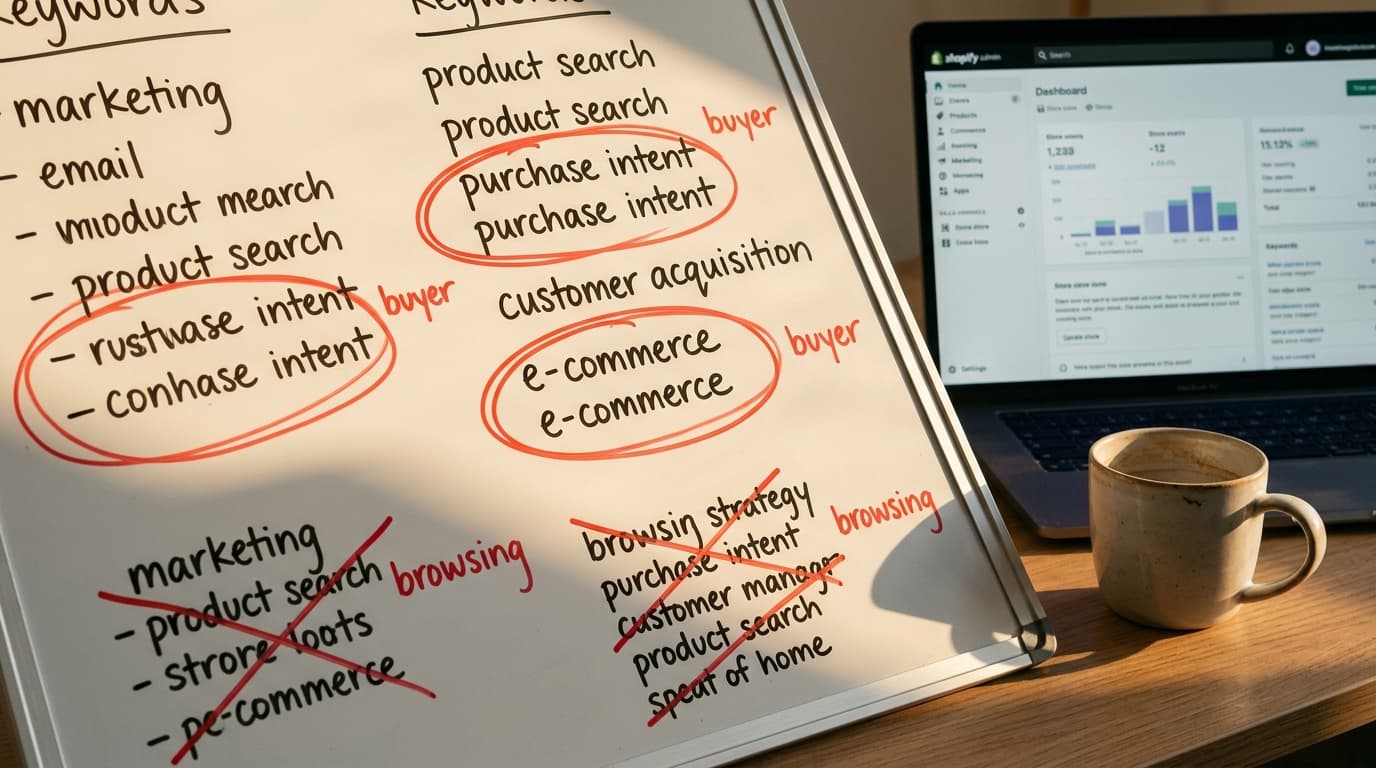
Commercial intent keywords are search queries that signal a user is actively researching products with the intent to make a purchase. Targeting these terms isn't just about SEO; it's about attracting visitors who are already looking for a checkout button.
The internet has enough advice telling you to chase search volume. That’s the lazy version of SEO. It assumes all traffic is created equal, that a visitor who wants to know "why do my feet hurt" is as valuable as one searching for "best running shoes for flat feet." They are not the same. One is a patient; the other is a customer.
Vanity Traffic Fills Reports, Not Bank Accounts
The most common failure mode for eCommerce SEO is optimizing product and category pages for high-volume, low-intent keywords. You might succeed in ranking for a broad term like "men's style," driving thousands of visitors to a category page for men's dress shirts. The analytics report looks great. But the conversion rate is near zero.
The mistake is assuming intent matches the page's function. The person searching "men's style" is looking for inspiration or information, not a specific product. They land on a grid of shirts, find nothing that answers their abstract question, and leave. You get a bounce; they get frustrated. The page’s purpose - to sell shirts - was mismatched with the visitor’s purpose - to learn.
This isn't just an SEO problem. It's an ad spend disaster. Paying for clicks from users with informational intent is like handing out flyers for your steakhouse at a vegetarian convention. You’re in the wrong place, talking to the wrong people. High-intent traffic is smaller but works harder. It converts.
Search Intent Has Four Primary Modes
User intent isn't a simple binary; it's a spectrum from awareness to purchase. Every Google search falls into one of four main categories. For an eCommerce store, understanding the difference between commercial and transactional is everything.
- Informational Intent: The user is looking for an answer to a question. Queries often start with "how to," "what is," or "why." Example: "how to waterproof leather boots." These visitors want a guide, not a product page.
- Navigational Intent: The user is trying to get to a specific website. They already know the brand. Example: "allbirds shoes." If it's your brand, you should already rank number one.
- Commercial Intent: The user is in research mode and comparing options before a purchase. They are looking for the best option for them. These are your most valuable top-of-funnel customers. Example: "best winter hiking boots for women."
- Transactional Intent: The user is ready to buy. They know what they want and are looking for a place to purchase it. These queries are specific and signal an imminent transaction. Example: "buy keen targhee iii size 10."
The distinction is critical. Informational queries seek knowledge; transactional queries seek a checkout button. Your job is to match your page type to the dominant intent of the keyword you're targeting.
Buyer Keywords Share a Predictable Structure
Alright. Theory's done. Let's find the actual keywords. Commercial and transactional queries aren't random. They use a consistent set of modifiers that explicitly state the user's intent to buy, compare, or find a deal.
Look for these patterns in your keyword research tools like Ahrefs or SEMrush:
- Qualifiers: Words that indicate comparison and research. Modifiers like best, top, review, vs, comparison, affordable. Example: "best affordable automatic espresso machine." * Product-Specifics: Brand names, model numbers, and specific categories. These signal the user has moved past general research. Example: "breville barista express bes870xl review."
- Deal-Seekers: Terms that show price sensitivity and a desire to act now. Modifiers like sale, discount, coupon, deal, free shipping. Example: "on cloud running shoes sale."
- Localizers: For stores with a physical presence, terms that target a geographic area. Modifiers like near me, [city name]. Example: "bike shop brooklyn."
That process of using increasingly specific keywords is a form of digital information foraging. The user is hunting for the single best page to complete their task. Your goal is to create a page that perfectly satisfies that hunt by using their exact language.
Your Best Keywords Are Hiding in Your Own Data
Third-party tools are for discovering new opportunities. But your highest-value keyword data is already in your possession. It’s a direct record of what real users are searching for to find your products.
The failure mode to avoid: ignoring your first-party data. It's the cleanest signal you have.
- Google Search Console: The "Performance" report shows you every query your site has appeared for. Filter for question-based terms or those containing the commercial modifiers listed above. Look for queries where you have high impressions but a low click-through rate - this often points to a page that isn't properly aligned with the user's intent.
- Internal Site Search: What do people type into the search bar on your own Shopify store? This data is pure gold. It's a direct log of what your most engaged visitors want but might be struggling to find. If you see repeated searches for "women's linen pants with pockets," you know exactly what to name your category and what feature to highlight in your product descriptions.
- Paid Search Reports: Your Google Ads "Search Terms" report shows the exact queries that triggered your ads. More importantly, it shows which of those queries led to conversions. Sort this report by conversion rate to find the proven, money-making keywords. These should be the top priority for your SEO efforts.
The honest tradeoff is that this data, while extremely high-quality, is limited to your current audience. You use your internal data to optimize for your existing demand and third-party tools to find new pockets of it.
The Keyword List Is an Input, Not an Artifact
A list of commercial intent keywords is not the final product. It’s the raw material for a smarter marketing strategy. Once you've identified and segmented your keywords, you put them to work.
- Transactional Keywords map directly to your most important pages: your homepage, category pages, and product detail pages. Their language should be integrated into your title tags, meta descriptions, H1s, and product copy.
- Commercial Investigation Keywords are perfect for supporting content. A query like "best hiking boots vs trail runners" is best served by a blog post or comparison guide that genuinely helps the user decide, linking out to the relevant product pages.
This completed keyword intent map becomes the input for the next quarter's content roadmap and paid search campaigns. It turns SEO from a guessing game into a systematic process of matching user intent with the right page, every time.
Commercial Intent Keywords: How to Identify Buyer-Ready FAQ
What's the difference between commercial and transactional intent keywords?
Commercial intent keywords are used when a person is researching and comparing products before they buy (e.g., "best noise-canceling headphones"). Transactional intent keywords are used when they have made a decision and are ready to purchase (e.g., "buy sony wh-1000xm5"). Commercial queries often lead to blog posts or comparison pages, while transactional queries should lead directly to a product or category page.
How important are long-tail keywords for eCommerce?
Extremely important. Long-tail keywords (queries of three or more words) are typically more specific and, as a result, often have higher commercial or transactional intent. A search for "shoes" is informational; a search for "men's waterproof leather chelsea boots size 11" is a transaction waiting to happen. These queries have lower volume but a much higher conversion rate.
Can a blog post rank for a transactional keyword?
It can, but it shouldn't be the goal. Google's algorithms are very good at understanding intent and matching it with the right page type. A user searching "buy bike helmet" expects to see a page where they can shop for and purchase bike helmets, i.e., a category page. Showing them a blog post creates friction. The better strategy is to target the transactional keyword with a category page and then internally link to it from a related informational blog post.