

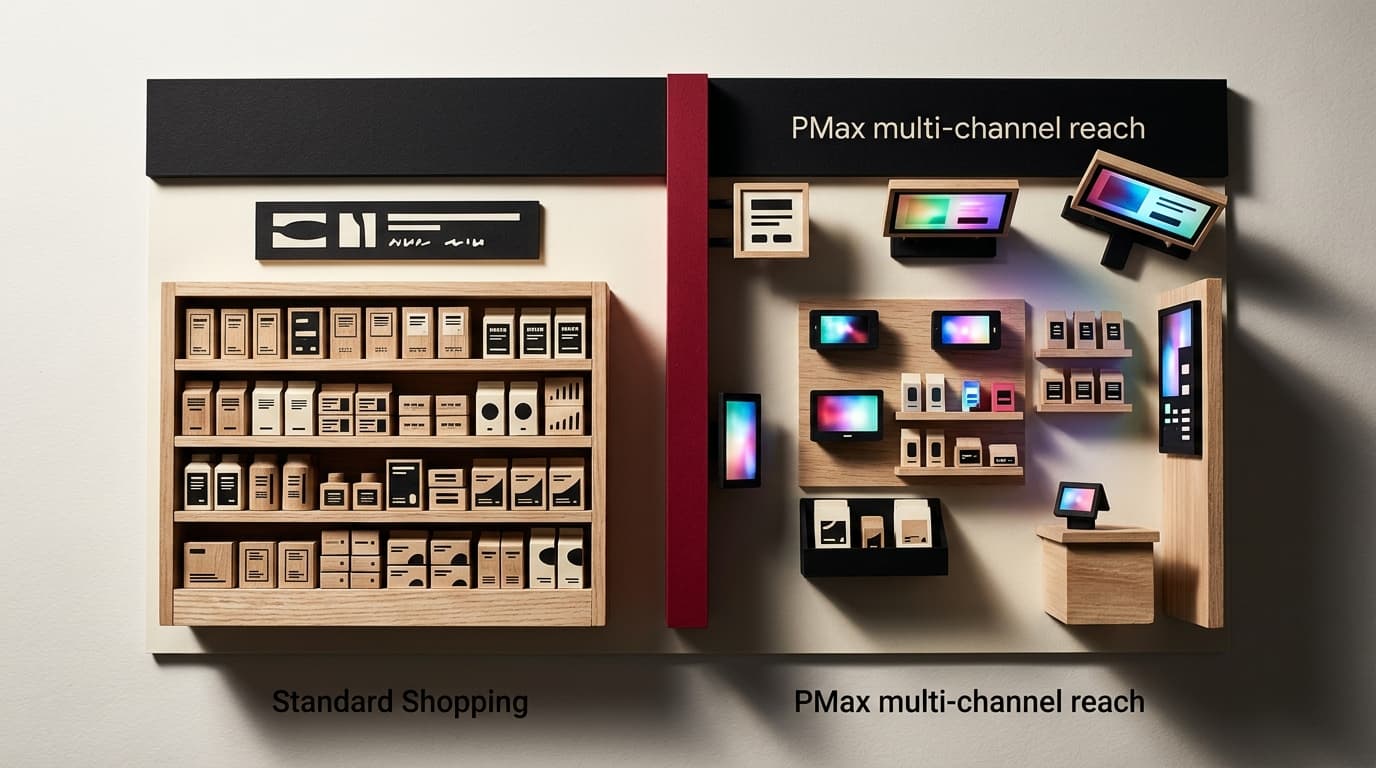
For most Shopify stores under $50K/month in ad spend, Standard Shopping outperforms Performance Max on return on ad spend- not because PMax is a bad product, but because it requires data volume and feed maturity that most stores haven't built yet. The right answer changes as you scale. Here is how to know where you stand.
The Lazy Version of This Question Gets It Wrong
The marketing internet frames this as a technology debate: old vs. new, manual vs. automated, legacy vs. AI-native. Google's own documentation nudges you toward Performance Max as the obvious evolution. Neither framing is useful. The real question is narrower - which campaign type produces better returns for your specific store at your specific data maturity level - and the answer is not the same for a store doing $8K/month in revenue as it is for one doing $800K.
PMax is not superior by default. Standard Shopping is not obsolete. The choice is a function of feed quality, conversion volume, and how much control you're willing to trade for reach.
What Each Campaign Type Actually Does
Standard Shopping campaigns are product-feed-driven, placement-limited (search and Shopping surfaces), and give you explicit control over bidding, product groupings, and negative keywords. You can see search term reports. You can segment by margin. You can suppress underperforming SKUs without disrupting the rest of the campaign. The levers are visible and direct.
Performance Max runs across every Google surface - Search, Shopping, Display, YouTube, Discover, Maps, Gmail - from a single campaign. It uses your product feed, creative assets, audience signals, and Google's machine learning to allocate budget in real time. You give up granular placement control, most search term visibility, and the ability to bid differently by channel. In exchange, you get broader reach and, in theory, Google's full signal graph working on your behalf.
The tradeoff in plain terms: Standard Shopping gives you control; Performance Max gives you coverage. Coverage is only valuable when the machine has enough signal to deploy it accurately.
Performance Max vs. Standard Shopping: 5 Key Differences
Factor Standard Shopping Performance Max Placement Search + Shopping surfaces only All Google surfaces Bidding control Manual CPC, Target ROAS, Target CPA Automated only (tROAS, tCPA) Search term visibility Full search term report Limited search categories only Negative keywords Campaign-level and ad group-level Account-level only (with restrictions) Minimum conversion data needed Low (works with sparse data) High (needs ~50 conversions/month minimum to stabilize)The Failure Mode PMax Creates for Smaller Stores
Here is what actually breaks. A store doing $15K/month in revenue launches PMax because Google recommends it and it looks like the higher-capability option. The campaign goes into a learning period that never fully resolves because there are not enough conversions to train the model. Budget gets allocated across Display and YouTube - surfaces that rarely convert for product-feed-driven ecommerce - while the Shopping placements that would actually drive purchases receive a fraction of the spend. ROAS looks passable in the dashboard because Google counts view-through conversions from Display. Pull out those assisted conversions and the actual purchase-driven return is poor.
The visible campaign metric looks acceptable; the invisible allocation is broken. The store keeps feeding budget into a system that is optimizing for proxies rather than outcomes.
This pattern is consistent enough to name: PMax data starvation. The automation requires a minimum conversion volume to function as designed, and below that threshold it does not underperform gracefully - it misallocates quietly while the dashboard stays green.
When Standard Shopping Is the Right Call
Use Standard Shopping if any of these conditions apply to your store:
- Fewer than 50 purchases per month from Google Ads: PMax's automation cannot stabilize without sufficient conversion data. Below this threshold, the model makes bad allocation decisions that compound over time.
- Feed quality is still being worked on: Standard Shopping surfaces feed problems through poor impression share and low click-through rates - problems you can diagnose and fix. PMax obscures those same problems behind aggregated reporting.
- You need margin-aware bidding: If your product catalog has meaningful margin variation across SKUs, Standard Shopping lets you bid higher on high-margin products and suppress low-margin ones. PMax does not expose that lever cleanly.
- You are still finding your converting search terms: The search term report in Standard Shopping is a product-market fit tool as much as a campaign tool. For newer stores, losing that signal is a genuine strategic cost, not just a reporting inconvenience.
When Performance Max Actually Earns Its Place
PMax is not hype - it delivers when the substrate is ready for it. That means:
- Conversion volume is sufficient: At 50+ monthly purchases from paid search, and more comfortably at 100+, the model has enough signal to allocate intelligently. Below that, you are paying for a system to guess.
- Feed is optimized and stable: Titles use high-intent keywords. Images meet spec. Custom labels are in place for segmentation. GTINs are populated. A clean feed is the single biggest input to PMax performance - more important than the creative assets Google prompts you to upload.
- You have genuine remarketing volume: PMax's audience signal inputs work best when you have real first-party data - customer lists, cart abandoners, past purchasers - to feed it. Without that, the audience signals default to Google's broader behavioral data, which is less precise.
- You want reach beyond Shopping surfaces: If you have video creative and a product with genuine upper-funnel demand, PMax can find audiences on YouTube that Standard Shopping never touches. This is a legitimate advantage - but only if the creative quality is there and the conversion data is sufficient to tell the system what it is optimizing toward.
The Honest Tradeoff
Choosing PMax early is a bet that Google's automation is smarter than your data is sparse. Sometimes that bet pays off - particularly in highly competitive categories where Google's signal graph adds genuine incremental information you don't have. More often, for stores still building their conversion history, it means paying a premium for reach you can't measure and optimization you can't validate.
Standard Shopping is slower to scale. It requires active management - negative keyword hygiene, bid adjustments, product group segmentation. That operational cost is real. But it compounds into a store that understands where its paid search revenue actually comes from, which makes the eventual migration to PMax (when conversion volume warrants it) far more controlled and far less likely to reset progress.
Run both in parallel once volume allows. A Standard Shopping campaign running alongside PMax - with PMax campaign-level negative keywords blocking brand terms - is a common structure that extracts the best of both: PMax handles upper-funnel and cross-surface reach, Standard Shopping captures high-intent branded and category queries with explicit control.
The Practical Starting Point for Shopify Stores
If you are setting up Google Ads for a Shopify store for the first time, or resetting after a poor PMax experience: start with Standard Shopping using a target ROAS strategy, let it accumulate 60 days of conversion data, and audit your feed quality before touching PMax. Once you hit consistent purchase volume and your feed is clean, run a PMax campaign alongside it with a shared budget test. Compare ROAS with view-through conversions excluded. Make the channel decision on that number, not the blended one Google defaults to showing you.
Should I use Performance Max or Standard Shopping for my Shopify store?
For stores under 50 monthly Google Ads purchases, Standard Shopping is the better starting point. Performance Max requires sufficient conversion volume - roughly 50+ purchases per month - to optimize accurately. Below that threshold, PMax misallocates budget across non-converting surfaces while reporting looks acceptable. Start with Standard Shopping, build conversion history, then evaluate PMax when the data is there to support it.
Does Performance Max replace Standard Shopping campaigns?
No. Google has not eliminated Standard Shopping, and the two campaign types serve different functions. PMax offers broader reach across all Google surfaces with automated allocation. Standard Shopping offers explicit control over bidding, placement, and search term visibility. Most mature ecommerce accounts run both in parallel, with Standard Shopping capturing high-intent queries and PMax handling incremental reach.
Why is my Performance Max ROAS misleading?
PMax includes view-through conversions by default - conversions attributed to an ad impression the user saw but did not click. These inflate reported ROAS significantly. To get an accurate read on PMax performance, filter your conversion data to click-through conversions only and compare that number against your Standard Shopping ROAS before making budget decisions.
How do I stop Performance Max from cannibalizing my Standard Shopping campaigns?
PMax takes priority over Standard Shopping when both are eligible for the same auction. To protect Standard Shopping from being cannibalized, apply campaign-level negative keywords to your PMax campaign (particularly brand terms), set explicit budget caps on PMax, and monitor impression share shifts in your Standard Shopping campaign after PMax launches. A drop in Standard Shopping impression share is the clearest signal that PMax is absorbing queries you intended Standard Shopping to serve.
What feed quality requirements does Performance Max need?
PMax performance depends more on feed quality than on creative assets. At minimum: product titles should lead with high-intent search terms (not just brand names), images should meet Google's quality spec with clean backgrounds for apparel and accessories, GTINs should be populated for branded products, and custom labels should segment your catalog by margin tier or bestseller status. A poorly structured feed does not get corrected by PMax's automation - it gets amplified into wasted spend at scale.