

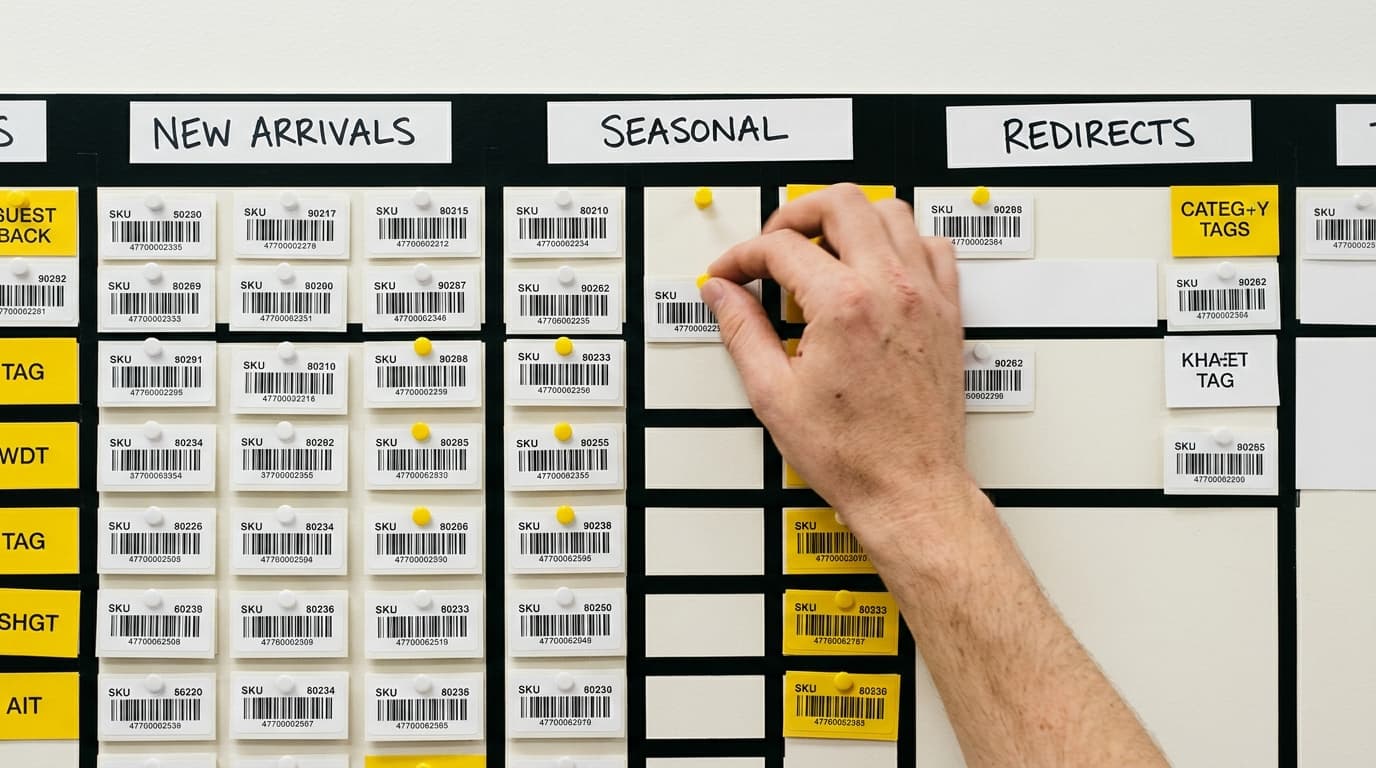
Shopify Flow can automate seven core SEO tasks on Shopify Plus: auto-tagging new products, triggering 404 alerts, flagging content decay, managing redirect queues, unpublishing out-of-stock pages, scheduling meta-field updates, and escalating review requests for thin content. Each workflow runs without a developer touching the code.
Most Shopify Plus merchants treat SEO like a chore they'll get to eventually. They'll fix the broken links later. They'll update the stale collection descriptions when things slow down. They'll catch the out-of-stock product pages before Google crawls them. Spoiler: they don't. Not because they're lazy - because there's no system. Here's the thing: Shopify Flow is the system. And almost nobody is using it for SEO.
Let's fix that.
What Shopify Flow Actually Does (and Why SEO Cares)
Think of Shopify Flow like an if-then machine running silently in the background of your store. A trigger happens - a product goes out of stock, an order comes in, a page hasn't been updated in 90 days - and Flow executes a predefined action. No human required.
For SEO, that matters enormously. Search engines reward consistency, freshness, and technical hygiene. The problem is maintaining all three at scale is genuinely hard. A Shopify Plus store with 5,000 SKUs, 20 collections, and a blog that's been publishing for four years has hundreds of potential SEO failure points at any given moment. Flow can't write your content. But it can monitor it, flag it, tag it, and route it to whoever can fix it - automatically.
Here are seven workflows worth building today.
Workflow 1: Auto-Tag New Products for SEO Review
Trigger: Product created
Action: Add tag seo-review-needed + send internal Slack or email alert
Every new product that hits your store without a meta title, meta description, or alt-tagged images is an SEO liability from day one. This workflow fires the moment a product is created, tags it, and routes it to whoever owns on-page SEO on your team. No more products slipping through the cracks because someone assumed someone else handled it.
Refine it further by adding a condition: only trigger if the product's meta description field is blank. That way, products created correctly don't generate noise.
Workflow 2: 404 Alert Queue via Order Confirmation Anomalies
Trigger: Customer created (from a campaign URL) with zero completed sessions
Action: Add to internal review list tagged broken-landing-page
Flow doesn't have native access to your server logs. Let's be real about that upfront. But you can build a proxy signal using UTM-tagged campaigns and customer session data. If a paid or email campaign is driving traffic but showing zero conversion events, it's often a broken or redirected URL causing the drop-off. This workflow catches that pattern and flags it before you've burned more budget on a dead link.
Pair this with a weekly Google Search Console export for a complete 404-monitoring picture.
Workflow 3: Content Decay Flag for Blog Posts
Trigger: Scheduled time-based trigger (e.g., every 30 days)
Action: Query blog articles with updated_at older than 365 days → tag with content-decay-flag → assign to content team via email
Content decay is the slow death of organic rankings. A post that ranked on page one in 2023 for a high-intent keyword isn't guaranteed to still be there - statistics go stale, competitor content improves, and Google's freshness signals notice when nothing's changed on a page for over a year.
This workflow doesn't require you to remember any of that. It runs on a schedule, surfaces everything overdue, and puts it in front of your content team. The hard truth is that a single refreshed post that re-earns a top-three ranking is worth more than five brand-new posts that never rank at all.
Workflow 4: Auto-Unpublish and Redirect Queue for Out-of-Stock Variants
Trigger: Inventory level reaches zero (and continue selling when out of stock is set to false)
Condition: Product has been out of stock for 30+ days
Action: Add tag redirect-candidate + send to merchandising queue for review
Dead product pages are an SEO problem people dramatically underestimate. A page with zero purchasable inventory, thin content, and no internal links pointing anywhere useful is a crawl budget drain and a potential soft-404 signal. This workflow doesn't auto-delete anything - it's smarter than that. It flags the page, routes it for human review, and prompts the team to either restock, redirect to a category page, or canonicalize to a similar product.
You decide what happens. Flow just makes sure you don't accidentally decide nothing.
Workflow 5: Scheduled Meta Field Updates for Seasonal Collections
Trigger: Scheduled date/time
Action: Update collection meta description and page title via metafield to reflect current season or promotion
Here's a scenario that plays out constantly. A merchant creates a "Summer Sale" collection in June with a perfectly optimized title and meta description. By October, the collection still exists - carrying evergreen products - but the meta description still says "Shop our hottest summer deals." Google reads that. Users read that. Neither is impressed.
Flow can trigger a metafield update on a specific date, swapping the seasonal copy for an evergreen version automatically. It's not glamorous. It's exactly the kind of detail that separates stores with staying power in the SERPs from stores that plateau.
Workflow 6: Thin Content Escalation After Publish
Trigger: Blog article or page created
Condition: Body HTML character count is below 1,500 characters (approximated via metafield or custom app input)
Action: Tag as thin-content + add to editorial review queue
Shopify Flow doesn't natively count characters in a body field - that's worth being transparent about. You'll need a small custom action or a connector app like Mechanic to pass that count into a metafield Flow can read. But once that plumbing is in place, this workflow becomes one of the most valuable in your arsenal.
Thin content - pages under roughly 300 words with little unique value - is a quiet drag on domain authority. This workflow catches it at the moment of creation, before it gets indexed, and routes it back for expansion. Prevention beats remediation every time.
Workflow 7: Review Request Trigger for High-Traffic, Zero-Review Products
Trigger: Order fulfilled
Condition: Product has more than 50 orders in the last 90 days AND review count metafield equals zero
Action: Enqueue post-purchase review request email at day 7
Reviews aren't just a conversion tool. In 2026, product review schema and star ratings in Google Shopping and organic results are a direct visibility signal. A product with 200 sales and zero reviews is leaving structured data value on the table. This workflow identifies exactly those products - high velocity, no social proof - and automates the ask.
'Instead of manually going through every product every month trying to figure out which ones needed reviews, now it just happens,' as one merchant put it. That's the whole point.
Shopify Flow SEO Workflows: A Quick Comparison
Workflow SEO Problem Solved Trigger Type Requires Custom Action? Auto-Tag New Products Missing on-page optimization Product created No 404 Alert Queue Broken campaign landing pages Customer/session event Partial Content Decay Flag Stale, ranking-loss blog content Scheduled No Out-of-Stock Redirect Queue Dead product pages, crawl waste Inventory update No Seasonal Meta Updates Outdated meta copy Scheduled date No Thin Content Escalation Under-built pages pre-index Article/page created Yes (character count) Review Request Trigger Missing review schema, low CTR Order fulfilled NoOne Last Thing Before You Build
Shopify Flow is available exclusively on Shopify Plus. If you're on a standard Shopify plan, you'll need third-party tools like Mechanic or Alloy Automation to replicate most of these workflows. The logic is the same; the native interface isn't there.
Also - and this is important - automation doesn't replace judgment. A content decay flag doesn't tell you how to update a post. A thin content tag doesn't write the missing 800 words. What these workflows do is eliminate the part of SEO maintenance that fails most often: noticing the problem in the first place. The human work still matters. You just won't be doing it blind anymore.
Does Shopify Flow work for SEO on standard Shopify plans?
No. Shopify Flow is a Shopify Plus-exclusive feature. Merchants on standard Shopify plans can replicate similar automation workflows using third-party apps like Mechanic, Alloy Automation, or MESA, which support comparable trigger-and-action logic for SEO tasks.
Can Shopify Flow automatically update meta titles and descriptions?
Shopify Flow can update metafields, which store SEO data in Shopify's system. However, directly editing the native SEO meta title and description fields requires either a custom action via the Admin API or a connector app. Scheduled metafield updates for collections and products are fully supported natively.
What's the best Shopify Flow workflow for managing out-of-stock product pages?
The most effective workflow triggers when inventory reaches zero and the product has been out of stock for 30 or more days. The action should tag the product as a redirect candidate and send an alert to your merchandising or SEO team for review - rather than auto-unpublishing, which can cause unintended 404 errors if the product is restocked shortly after.
How does Shopify Flow help with content decay for SEO?
A scheduled Flow workflow queries blog articles with an updated_at timestamp older than 365 days and tags them with a content decay flag. It then routes those articles to a content team via email or Slack. This ensures high-ranking posts are proactively refreshed before rankings drop, rather than after traffic loss is already visible in Search Console.
Do I need a developer to set up Shopify Flow SEO automations?
Most of the seven workflows described here require no developer involvement - they use native Flow triggers, conditions, and actions available in the Shopify Plus admin. The exceptions are workflows that require reading body content character counts or connecting to external APIs (like Google Search Console), which may need a custom action built with Shopify's Flow custom action framework or a connector app.