

A technical SEO audit for a Shopify store should be a systematic process for identifying and prioritizing fixes that improve crawlability, indexation, and ranking signals. It involves analyzing site architecture, page speed, structured data, and international signals to ensure search engines can efficiently find and understand your most important pages.
Shopify SEO Isn't Broken. Your Process Probably Is.
The marketing internet has two lazy opinions about Shopify SEO. The first is that the platform is fundamentally broken for search, a walled garden hostile to optimization. The second is that a single $10/month app can fix it. Both are wrong.
Shopify is a managed platform with specific constraints. It is not a blank-slate CMS, and treating it like one leads to frustration. An effective technical audit isn't about blaming the platform; it's about finding where your implementation strains against those constraints. It’s a diagnostic process, not a magic bullet. This framework provides that process.
The 5-Step Technical SEO Audit Framework for Shopify
This is the exact framework we use for client audits. It’s designed to be repeatable and to produce a concrete list of tasks, not a vague set of recommendations. The goal is a prioritized roadmap, not a 50-page PDF that gathers dust.
1. Crawlability & Indexation: Control What Google Sees
Your first job is to ensure search engines are crawling and indexing the right pages - and ignoring the wrong ones. This is the foundation. If Google can't find your canonical product pages or is wasting budget crawling thousands of duplicate URLs, nothing else matters.
The typical failure mode: Index bloat from Shopify's default URL generation. The platform creates unique, crawlable URLs for product variants and filtered collection pages (`/collections/all/shoes+red`). Without proper controls, these create thousands of low-value, duplicate pages that dilute your site’s authority and waste crawl budget. Your canonical product page has to compete with itself.
What to do about it:
- Review your `robots.txt` file. Shopify allows limited customization of `robots.txt`. Ensure you are blocking crawl access to internal search pages, cart, and account pages. You can find it at `yourstore.com/robots.txt`.
- Check for correct `noindex` tags. Use a crawler like Screaming Frog to check for `noindex` directives. Untagged collection pages, vendor pages, and tag pages should be set to `noindex, follow` to prevent them from cluttering the index while still allowing authority to pass through links.
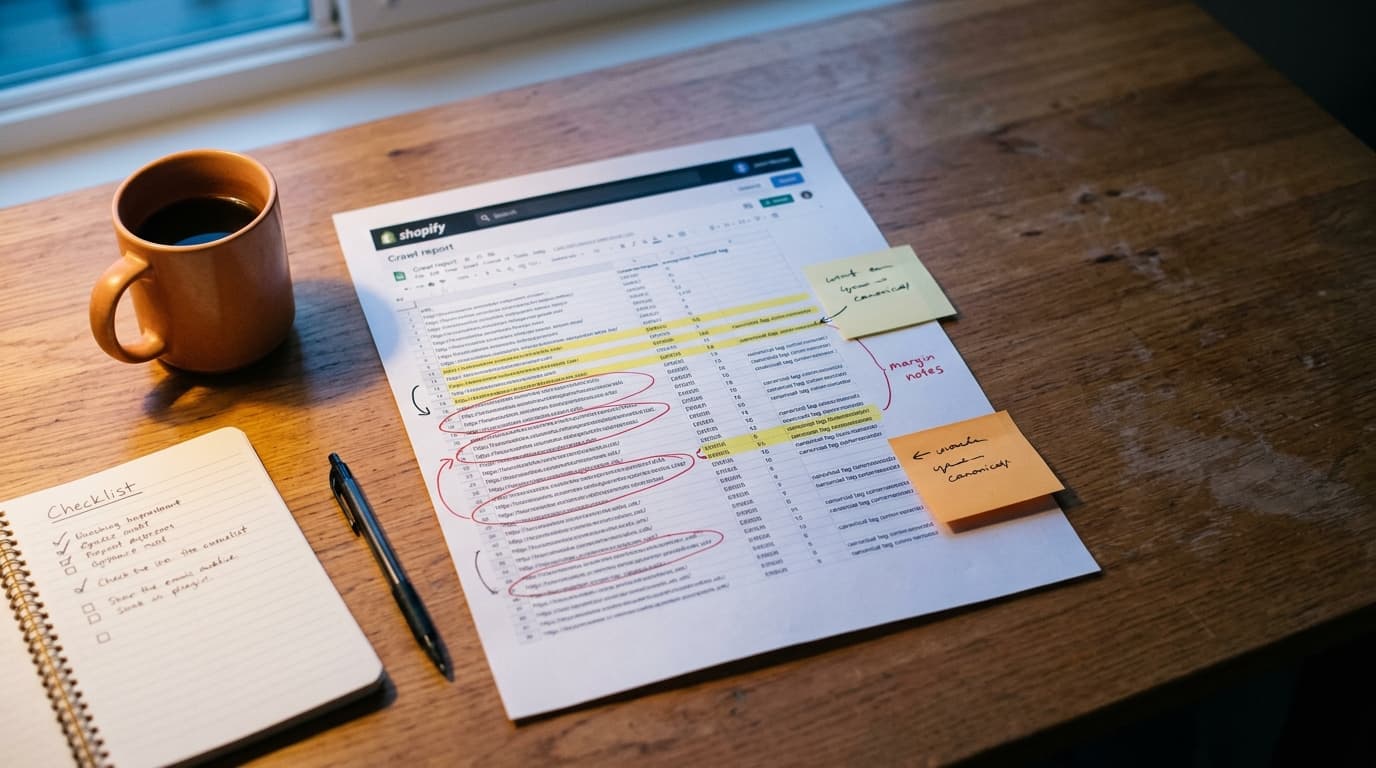
- Verify canonical tags. Every product variant and filtered collection URL should have a canonical tag pointing back to the main product or collection page. Most modern themes handle this, but apps can interfere. Crawl the site and spot-check these URLs to ensure the canonical points to the clean, primary version.
- Analyze Google Search Console's Indexing report. Look at the “Pages not indexed” report. A high number of pages excluded for "Duplicate, Google chose different canonical than user" is a red flag that your signals are confusing.
2. Site Architecture: Shallow Hierarchies Win
Site architecture is how you signal importance to both users and search engines. A logical, shallow structure helps distribute PageRank efficiently and makes it easier for customers to find what they're looking for. A deep, confusing structure buries your best products.
The typical failure mode: Relying solely on Shopify's default navigation. This often leads to "flat" architecture where every collection is treated equally, or a structure so deep that key product pages are four or five clicks from the homepage. Important pages get lost; authority never consolidates.
What to do about it:
- Aim for a 3-click rule. No important page - be it a product or a sub-collection - should take more than three clicks to reach from the homepage. This keeps the user journey short and the authority flow strong.
- Use breadcrumbs correctly. Breadcrumbs provide contextual navigation for users and reinforce your site structure for search engines. Ensure your theme implements them with proper structured data (`BreadcrumbList` schema).
- Internally link from high-authority pages. Your homepage and primary collection pages are your most powerful. Use them to link directly to your best-selling products or new arrivals. Don't make Google guess what's important.
3. Site Speed: Your Store is a Collection of Apps
Slow stores don't just annoy users; they also perform worse in search. Google's Core Web Vitals are now a direct ranking signal. For Shopify, the primary cause of slow performance isn't the platform itself - it's the accumulation of third-party apps, unoptimized images, and bloated theme code.
The typical failure mode: Death by a thousand apps. Each app you install adds JavaScript, CSS, and server requests. The visible widget changes; the invisible performance substrate degrades, so nothing improves. Store owners chase new features while their load times climb past the five-second mark where conversion rates fall off a cliff.
What to do about it:
- Establish a baseline. Run your key page types (homepage, collection, product) through Google PageSpeed Insights. Pay attention to the Core Web Vitals: Largest Contentful Paint (LCP), Interaction to Next Paint (INP), and Cumulative Layout Shift (CLS).
- Conduct an app audit. Make a list of every installed app. For each one, ask: is this critical to the customer experience or revenue? If not, uninstall it. Be ruthless. Then, check for "code residue" left behind by uninstalled apps and remove it.
- Optimize images. This is the lowest-hanging fruit. Compress all images before uploading them to Shopify. Use modern formats like WebP. Ensure your theme is lazy-loading images that are below the fold.
The honest tradeoff: The fastest Shopify store has zero apps and a barebones theme. That's not realistic. The work is in finding the balance between functionality and performance. Removing an app might hurt a specific conversion metric but improve overall site speed and rank, leading to a net gain. You have to measure.
4. Structured Data: Default Isn't Good Enough
Structured data (schema markup) is the language you use to explain your page's content to search engines. It's what powers rich snippets like star ratings, price, and availability directly in the search results. Getting this right increases click-through rates.
The typical failure mode: Trusting that the theme or a single app will handle it. Most Shopify themes implement basic `Product` schema, but it's often incomplete. It might be missing reviews, availability, or specific offer details. Worse, multiple apps might inject conflicting schema, creating errors.
What to do about it:
- Test your product pages with the Rich Results Test. Google's own tool will show you what structured data it can detect and whether it's eligible for rich results. Check for `Product`, `Review`, and `Offer` schema.
- Ensure data is lossless and specific. The price in your schema must match the price on the page. The `availability` should be correct (`InStock` or `OutOfStock`). The review count and average rating need to be accurate. Any mismatch is a signal of low quality.
- Consolidate schema generation. If possible, use one tool or your theme's built-in functionality to generate all schema. If you must use multiple apps, ensure they aren't trying to define the same schema type on the same page.
5. International SEO: Markets Don't Magically Fix It
If you sell to multiple countries or in multiple languages, you need to send clear signals to Google about which version of your site is for which audience. Shopify Markets made this easier, but it's not automatic.
The typical failure mode: Using a currency converter app and calling it international SEO. This does nothing to tell Google you have specific versions of your site for the UK vs. the US. This can lead to the wrong version of your site ranking in the wrong country, causing confusion and lost sales.
What to do about it:
- Use a country-specific URL structure. The best practice is using subdomains (uk.yourstore.com) or subdirectories (yourstore.com/en-gb), which Shopify Markets now supports.
- Implement `hreflang` tags correctly. `hreflang` is an HTML attribute that tells Google which language and region a specific page is targeting. It maps all equivalent versions of a page together. A `hreflang` audit involves crawling the site to ensure these tags are present on every relevant page and that they point to valid, indexable URLs.
The Audit's Output is a Roadmap
An audit that doesn't produce a clear action plan is a waste of time. The final step is to translate your findings into a prioritized task list. We build this directly into a project management tool, not a document. Each task should specify the problem, the proposed solution, and the estimated effort.
This list is your technical SEO roadmap for the next quarter. It hands off directly to your development team or Shopify expert for implementation. This is how an analytical exercise becomes actual improvement.
How to Audit Your Shopify Store's Technical SEO: A FAQ
How often should I do a Shopify SEO audit?
A comprehensive technical audit should be performed annually or after any major site change, like a theme migration or a significant change in your app stack. A lighter, recurring check of core metrics in Google Search Console should be done quarterly.
What is the most common technical SEO issue on Shopify?
Index bloat caused by the automatic generation of URLs for product variants, collection filters, and tags is the most common and damaging issue. Without proper canonicalization and `noindex` rules, stores can inadvertently create thousands of duplicate, low-value pages that dilute search authority.
Can a Shopify app fix all my technical SEO problems?
No. While some SEO apps can help manage tasks like editing meta tags, generating schema, or compressing images, no single app can fix fundamental issues with site architecture, performance bloat from other apps, or incorrect international SEO signals. A proper audit identifies problems that often require a combination of app configuration, theme code adjustments, and strategic decisions - not just another monthly subscription.