
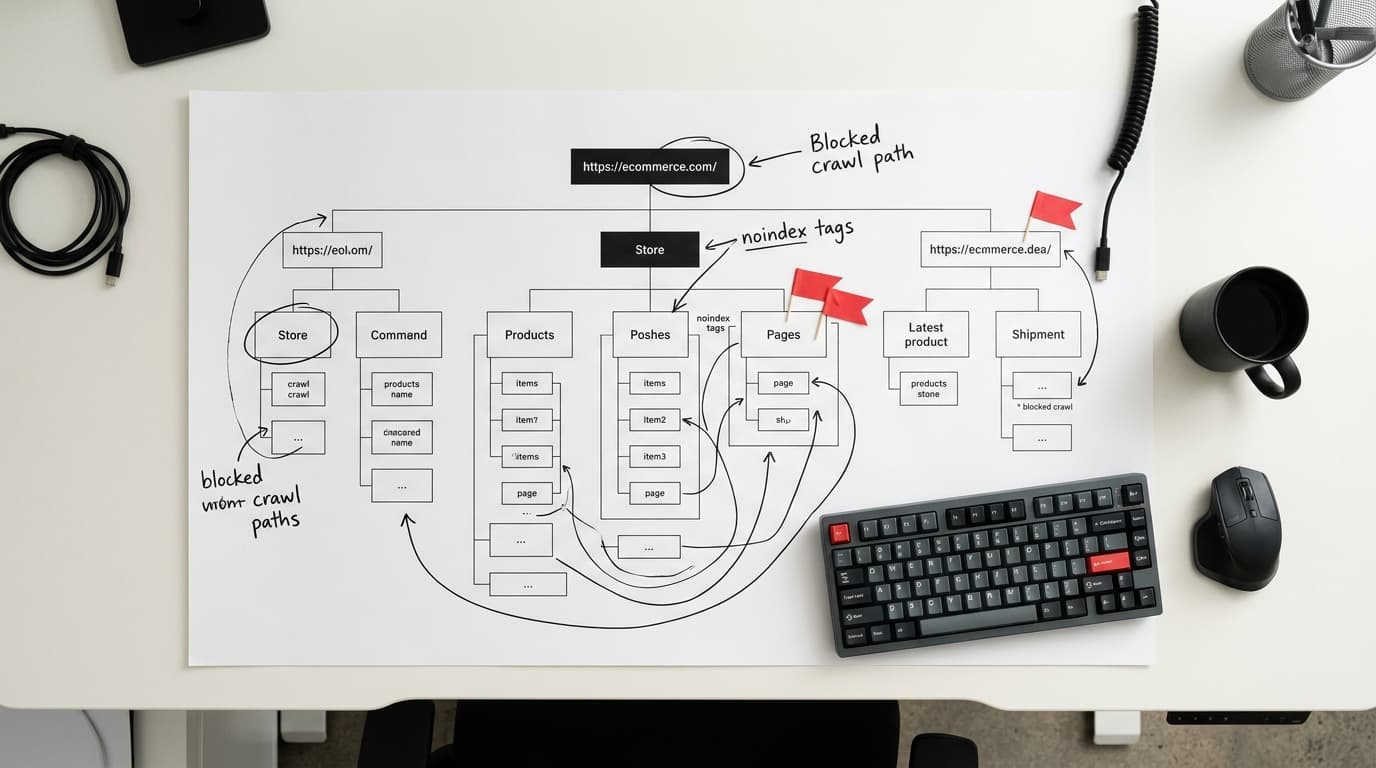
A technical SEO audit for an ecommerce site checks five core areas: crawlability, indexation, site speed, structured data, and internal linking. Run all 50 points below to find ranking blockers that content updates alone cannot fix. This checklist applies to any platform, with Shopify-specific notes where behavior differs from the default.
Section 1: Crawlability and Robots Control (Points 1–10)
Search engines must be able to reach your pages before anything else matters. Crawl errors waste your crawl budget and can silently exclude high-value product pages from the index.
- Robots.txt is live and error-free. Fetch
yourdomain.com/robots.txtdirectly. A 404 here tells crawlers to ignore the file rather than block anything, which is the opposite of controlled crawling. - No critical paths are blocked in robots.txt. Shopify historically disallowed
/collections/filters; confirm your store's current file allows faceted URLs you want indexed. - XML sitemaps are submitted in Google Search Console. Shopify auto-generates
/sitemap.xml. Custom or headless builds need manual sitemap pipelines. - Sitemaps contain only 200-status, canonical URLs. Remove redirected, noindexed, or orphaned URLs from the sitemap file.
- Crawl budget is not wasted on faceted URLs. Use
?sort_by=,?page=parameter handling in Google Search Console to prevent duplicate crawls. - No accidental noindex tags on collection or product pages. A single theme edit can push a meta robots noindex site-wide. Audit with Screaming Frog or Sitebulb.
- JavaScript rendering does not gate critical content. Product titles, prices, and descriptions should be server-side rendered or statically generated, not client-side only.
- Crawl rate is not throttled by server errors. A spike of 5xx errors trains Googlebot to crawl more slowly. Check Search Console's Crawl Stats report for error percentages above 2%.
- Pagination is handled with standard links, not JavaScript-only buttons. "Load more" buttons that fire AJAX without updating the URL are invisible to crawlers.
- Staging or development subdomains are blocked. A disallow in robots.txt and basic auth on
staging.yourdomain.comprevents duplicate content indexation.
Section 2: Indexation and Duplicate Content (Points 11–20)
Ecommerce sites generate more duplicate content than almost any other site type. Variant URLs, tracking parameters, and platform-generated tag pages all compete for index slots.
- Self-referencing canonical tags are present on all product pages. Even if you have no duplicates, canonicals protect against parameter-based duplicates being surfaced later.
- Variant product URLs use canonical pointing to the parent product URL. A shirt in five colors should not produce five competing indexed pages unless each variant has genuinely unique content.
- UTM parameters are not creating indexed duplicate pages. Check Site:yourdomain.com with parameter strings in Google Search Console's URL Inspection tool.
- Shopify /collections/ + /products/ duplicate path is resolved. Shopify serves each product under both its collection path and its root path. The platform self-canonicalizes, but confirm this is working correctly in a crawl.
- Tag pages (e.g., /collections/all/jackets) have a defined indexation strategy. Index them if they serve real search demand; noindex them if they are thin or auto-generated by the platform.
- Out-of-stock product pages are not returning 404. Keep them live with a noindex tag or redirect to the closest in-stock alternative. A 404 erases all link equity built to that URL.
- Pagination pages (/page/2, /collections/tops?page=2) are indexed intentionally. If page 2 carries unique products with search volume, keep it indexed. If it duplicates page 1's content at a different offset, noindex it.
- Hreflang tags are implemented for multi-region stores. A UK and US store selling the same products need hreflang to prevent one region's pages from cannibalizing the other's rankings.
- Duplicate title tags across product variants are eliminated. "Blue Widget" and "Red Widget" with the same title tag compete against each other for the same query.
- Index coverage errors are reviewed weekly in Search Console. "Discovered, not indexed" often signals a crawl budget or internal linking problem, not a quality issue.
Section 3: Core Web Vitals and Page Speed (Points 21–32)
Google's ranking systems incorporate Core Web Vitals as a tiebreaker for pages with comparable relevance. For high-competition ecommerce queries, a poor LCP or CLS score is a measurable ranking penalty.
- Largest Contentful Paint (LCP) is under 2.5 seconds on mobile. The LCP element on product pages is almost always the hero product image. Serve it as WebP, preload it in the
<head>, and host it on a CDN. - Interaction to Next Paint (INP) is under 200 milliseconds. INP replaced FID as an official Core Web Vital. Heavy third-party scripts (chat widgets, review apps) are the most common cause of high INP on Shopify stores.
- Cumulative Layout Shift (CLS) is under 0.1. Reserve explicit width and height attributes on all product images. Late-loading cookie banners and chat buttons are the other primary CLS source.
- Time to First Byte (TTFB) is under 600 milliseconds. A slow TTFB on Shopify often points to a liquid render-blocking app or a slow third-party DNS lookup. Use
webpagetest.orgto isolate the cause. - Images are compressed and served in next-gen formats. WebP delivers roughly 30% smaller file sizes than JPEG at equivalent quality. AVIF delivers another 20% over WebP on supporting browsers.
- Images below the fold use lazy loading. Add
loading="lazy"to product grid images but never to the hero image, which should load as early as possible. - Render-blocking CSS and JavaScript are deferred or eliminated. Use Chrome DevTools' Coverage tab to find unused CSS shipped on every page load.
- Third-party scripts are audited and limited. Each unnecessary tracking pixel adds 50–300 ms of load time. Audit active scripts in Google Tag Manager and remove anything not in active use.
- A content delivery network (CDN) is serving static assets. Shopify includes a CDN. Custom or headless stores must configure Cloudflare, Fastly, or an equivalent provider separately.
- Font loading does not block rendering. Use
font-display: swapand preload only the one or two font weights used above the fold. - Mobile Core Web Vitals scores are measured, not just desktop. Google uses mobile-first indexing. A desktop-only page speed analysis misses the signals that actually affect ranking.
- Page speed is monitored continuously, not just at audit time. Use Google Search Console's Core Web Vitals report for real-user data, not just Lighthouse's lab data.
Section 4: Structured Data and Rich Results (Points 33–42)
Structured data does not directly raise rankings, but rich results improve click-through rates by 15–30% for product queries, according to multiple A/B tests published between 2023 and 2025. That CTR improvement compounds over time as click signals influence rankings.
- Product schema is present on every product page. Required fields for Google's product rich results:
name,image,description,offers(withprice,priceCurrency,availability). - Review/rating schema (AggregateRating) is accurate and real. Fabricated or inflated ratings trigger a manual action penalty. Only mark up reviews collected directly from verified customers.
- BreadcrumbList schema matches the visible breadcrumb on the page. Mismatches between visible breadcrumbs and schema cause Google to ignore the markup.
- Organization and SiteLinks schema is implemented on the homepage. This supports the Google sitelinks search box and brand knowledge panel.
- FAQPage schema is used on category landing pages with Q&A sections. These rich results occupy additional SERP space for informational queries at the top of the buying funnel.
- Structured data is validated in Google's Rich Results Test. Validate each template type, not just one URL, because dynamic fields can produce errors on specific product pages.
- Product availability is updated dynamically in schema. An out-of-stock product still showing
InStockin schema is a policy violation that Google's systems flag automatically. - Price in schema matches the price visible on the page. Any discrepancy between schema price and on-page price is grounds for rich result suppression.
- VideoObject schema is used on product pages with embedded video. Product video results appear in Google Images and Search. Most stores skip this and leave ranking opportunities unused.
- Schema is implemented in JSON-LD, not Microdata. Google supports both, but JSON-LD is far easier to maintain, debug, and update without touching HTML templates.
Section 5: Internal Linking and Site Architecture (Points 43–50)
Internal links distribute PageRank, establish topical relationships, and determine which pages Googlebot finds during a crawl. Ecommerce sites with thousands of products frequently have architecture problems that prevent deep pages from ranking at all.
- Every product page is reachable within 3 clicks from the homepage. Pages deeper than 3 clicks receive significantly less crawl budget and PageRank flow. Flatten architecture through mega-menus and cross-links.
- Collection pages link to each other through a logical category hierarchy. A "Mens Shoes" collection should link to "Running Shoes," "Boots," and "Casual Shoes" subcollections, not rely solely on navigation dropdowns.
- Anchor text in internal links is descriptive, not generic. "Shop running shoes" passes topical context. "Click here" passes none.
- Best-selling and high-margin products receive more internal links. PageRank flows proportionally. Feature priority products in homepages carousels, collection page headers, and blog post recommendations.
- Orphan pages (no internal links pointing to them) are eliminated. Run a crawl in Screaming Frog and cross-reference with the XML sitemap to surface orphaned product or category pages.
- Redirects are direct (301), not chained. A chain of 3+ redirects loses significant PageRank and adds measurable page load time. Audit redirect chains quarterly.
- Broken internal links (returning 404) are fixed or removed. Broken links waste crawl budget and create a poor user experience on pages that drive conversion.
- Related products widgets use followed links. Some platforms render related product links as JavaScript or with
rel="nofollow". Confirm they pass equity by checking the rendered HTML in a crawler.
Ecommerce Technical SEO Audit FAQ
How often should I run a full ecommerce technical SEO audit?
Run a full 50-point audit every 6 months. Run a focused crawl-and-indexation check monthly, and monitor Core Web Vitals continuously through Google Search Console's live reports. Platform updates, theme changes, and new app installations can introduce issues between full audits.
Does Shopify handle technical SEO automatically?
Shopify manages canonical tags, sitemaps, and CDN delivery automatically, which eliminates roughly 6–8 common issues. However, it cannot fix faceted URL bloat, chained redirects caused by URL changes, slow third-party scripts, or missing structured data. Those require manual intervention.
What tools are needed to complete this checklist?
You need four tools to cover all 50 points: Screaming Frog SEO Spider (crawl and internal link analysis), Google Search Console (indexation, Core Web Vitals, coverage errors), Google's Rich Results Test (structured data validation), and WebPageTest or PageSpeed Insights (speed and Core Web Vitals lab data). All have free tiers sufficient for most audits.
What is the single highest-impact fix for most ecommerce stores?
Resolving unintentional noindex tags on collection and product pages delivers the fastest measurable ranking improvement for stores that have them. A single theme edit or app installation can silently noindex hundreds of pages. Run Screaming Frog with a custom extraction on the meta robots tag across the full domain before investigating anything else.
How do Core Web Vitals affect ecommerce rankings specifically?
Core Web Vitals are a ranking signal that Google applies as a tiebreaker among pages with comparable relevance scores. For competitive product-category queries where multiple stores serve similar content, a page with LCP under 2.5 s and CLS under 0.1 consistently outranks a slower competitor in controlled tests. The impact is strongest in mobile search, where Google's mobile-first indexing makes field data from real mobile users the decisive measurement.