


The second stop on my quest to learning all things eCommerce at 1Digital Agency took me through the Volusion trial, where I built a store from scratch and explored the ins and outs of managing a retail business through the Volusion platform. Within a week I had produced a site I could feel good about. A big part of that success was due to multiple built in features and overall user friendliness. Here’s a look at my experience.
Setup
After logging in with some basic information, Volusion takes you straight to the control center, aka your dashboard. It was very useful to watch the quick videos and take a virtual tour before anything, since there are so many things to do from this starting point. From there the next step was to choose a template.
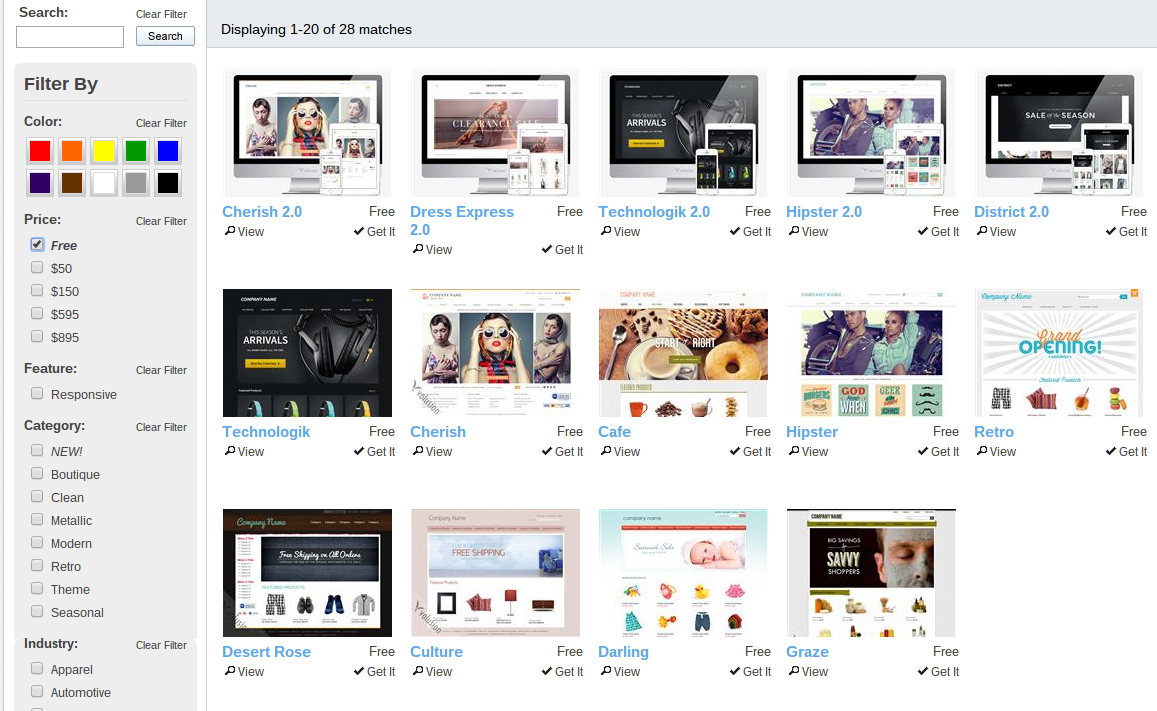
The filtering tools on the left help to narrow down your search by color, price, style and industry. You can easily switch to a new template without losing any product information you’ve already entered. I started with Technologik then switched to District 2.0 because I wanted more white space and responsive design.
Products
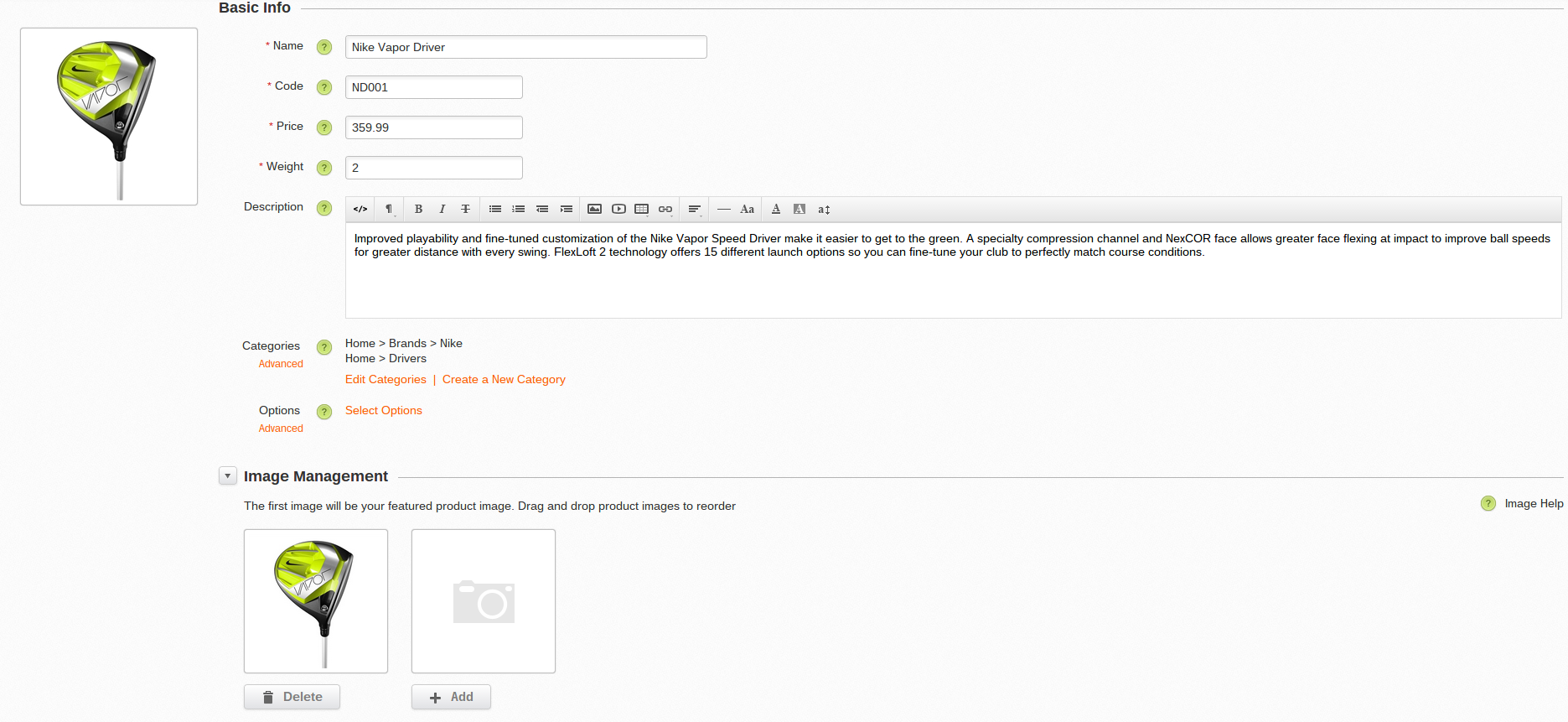
Once you’ve settled on a template, it’s time to add your products. Save yourself some time by adding your categories first. This way you can attach the products to the appropriate categories in one smooth step. The image below illustrates this point, just underneath the product description.
(click to enlarge image)
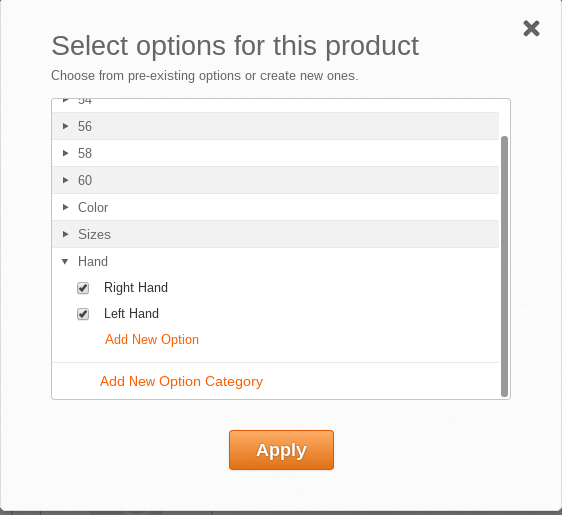
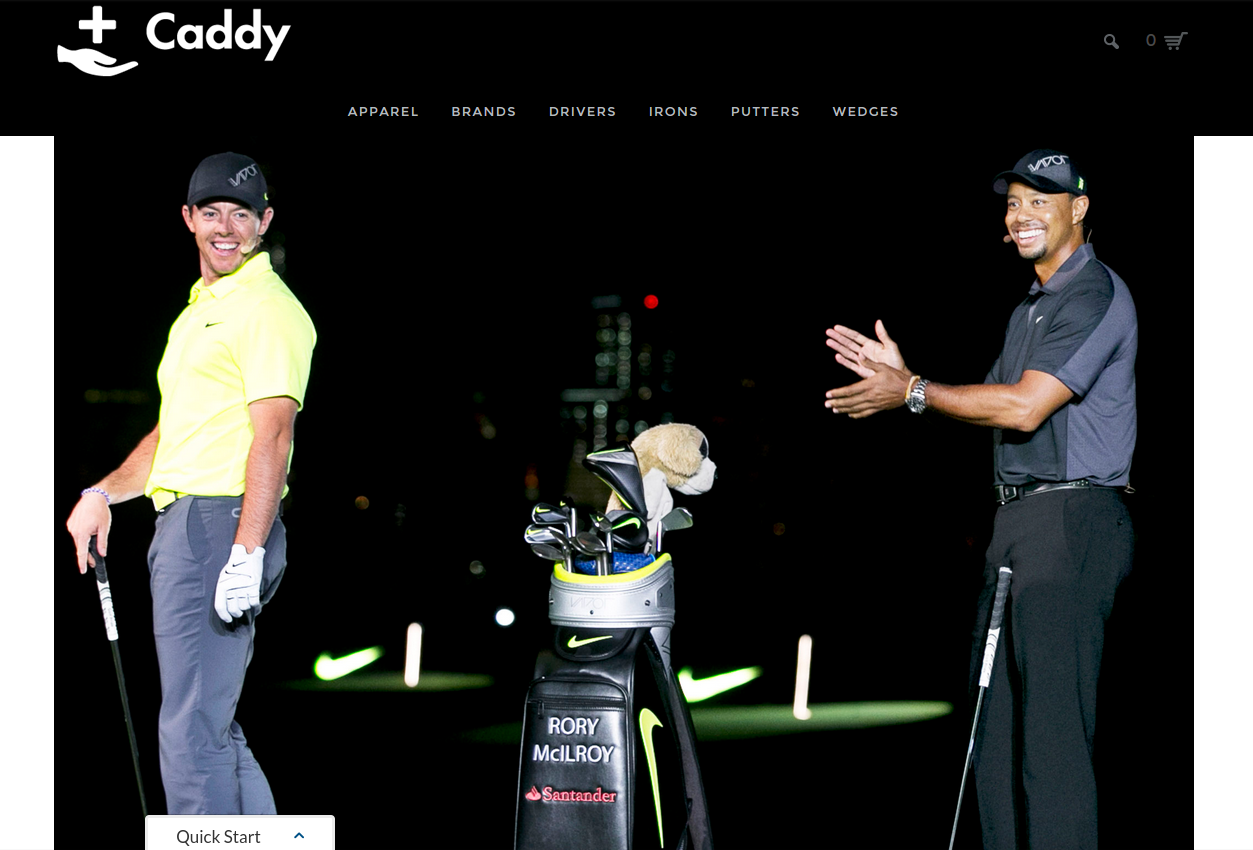
For my Volusion trial, I set up a golf equipment store called Caddy Clubs. Volusion makes it easy to add options to your products. In my case, I needed to offer clubs for both right and left handed players. I also had some shirts which came in different colors and sizes. Each time I created a new option it was auto saved, that way if another product required the same option it was quick and easy to check the new box, rather than having to add it every time.
Branding
You’ll want to make this template feel like your own by branding it with your company’s logo. In the Design section of your Dashboard menu, go to Logos and then upload the text or graphic you want to use. Volusion conveniently adjusts the size of the graphic to fit mobile screens as well as company invoices.
Design
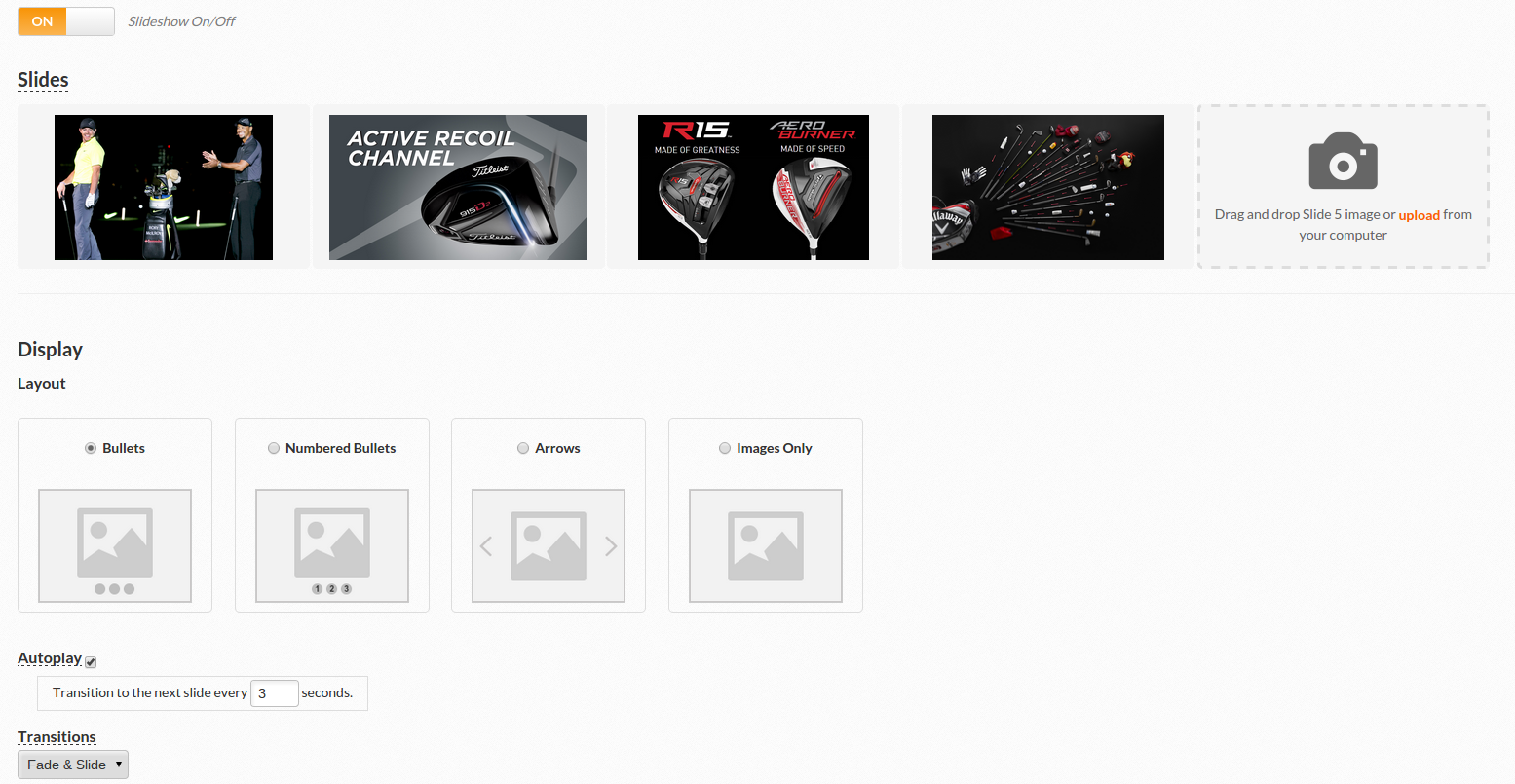
Making simple changes to things like your homepage slider is a great place to start.
 (click to enlarge image)
Once you’ve got your images uploaded, you can rearrange the order and the layout of the slideshow. Depending on how much content your images contain, you can speed up or slow down the transitions as well.
Since you are working in a template, there are limits to what you can do design wise. If you want to make custom changes to the site, you either need to know how to code or have someone make custom changes for you. Consider that once you start adding code to your site, it becomes much harder to switch to another template.
Settings
The nuts and bolts that hold any eCommerce business together can be found under the Settings tab. Design and imagery may be fun and interesting, but you will need to spend some time configuring things like shipping, taxes and payments.
In the shipping section you have the option to set flat rates, special rates and real time rates from shipping providers like FedEx, USPS, Royal Mail and others. This feature adds transparency between you and your customers, which gives you credibility and is helpful for sales.
Taxes are never fun, but Volusion will automatically integrate a standard set of U.S. tax rates when you launch your store. Much like the content feature that generates company information, this can save a ton of time for a business owner. With a Volusion account you will also have access to several payment gateways. Volusion Merchant Services is a good place for any new business to start, with low transaction fees and fast setup.
Preview and Launch
You can preview your site at any time in this process by clicking the View Store logo in the top left of your dashboard . Jump back and forth between the site and dashboard as you see things that need to be adjusted until you feel your site is ready for launch. Now it’s go time!
What to Actually Evaluate During Any Platform Trial
The real value of a free trial is not seeing the screens - it is stress-testing the platform against your specific business before you commit. Set up the trial with your own hardest case: your most complex product (the one with the most variants, the bundle, the subscription), your real shipping rules, and your actual tax situation. A platform that handles your messiest scenario cleanly in a trial will handle the rest; one that needs a workaround for it on day one will need ten workarounds in production.
The Migration and Lock-In Question
The single most consequential thing to check during a trial is how hard it is to leave. Confirm you can export your full catalog, customers, and orders in a usable format, and look at how the platform structures URLs - because if you later migrate, every product and category URL that changes needs a 301 redirect or you lose the search ranking and traffic you built. The article's note that "once you start adding code it becomes harder to switch templates" generalizes: the more platform-specific customization you add, the higher the future switching cost, so weigh that before going deep.
SEO and Total Cost, Not Just the Interface
An easy admin is pleasant; SEO control and true monthly cost determine the outcome. During the trial, check whether you can set custom URLs, title tags, and meta descriptions, whether it generates a sitemap and supports redirects, and how it handles filtered category pages. Separately, total up the real monthly cost: base plan plus the add-on apps your store actually needs plus any payment-processing or transaction fees. Sticker price is rarely the number that matters; the fully-configured cost is.
Editorial note: this is a first-person walkthrough of the Volusion trial as the platform's admin and template system looked at the time of writing (around 2015). Volusion has since substantially redesigned its product, plans, and template system, and competitors have shifted the landscape, so the specific screens, template names (e.g. "Technologik," "District 2.0"), and dashboard steps described should be treated as a historical snapshot. The evaluation principles added above - trial with your hardest case, check export/migration and URL/redirect handling, weigh total cost over sticker price - are platform-agnostic and remain the right way to assess any ecommerce platform trial today.
I would encourage anyone interested in building a site to take advantage of a free trial period like this. For the same reason I would tell someone to test drive a car before buying it. Once you’ve spent some time with it, you’ll know your comfort levels, what you can and can’t handle, and if you need to continue your search.